
Edit any PDF. Nothing gets uploaded
Change the text your PDF already has, sign it, mark it up, redact it, and fix its pages. Pick a tool below or drop a file to start.
Choose a PDF
Or drop one here.From your files, downloads, or wherever it landed.
Your file stays on this device
Everything the PDF editor does
Pick a tool and the editor opens on it, ready for your file. Everything below works in the same window.
Change what the PDF says
Real edits to the words in the file, not boxes drawn over them.
Edit existing text
Click any line and retype it. The original font, size and colour are matched, so the line stays put.
Its own page: Edit PDF textAdd text
Click an empty spot and type. New text takes the style of the nearest line.
Add a link
Open a line for editing and attach a web address to it. The link is saved into the file.
Redact
Mark what has to go. On download it is deleted from the file, not hidden under a box.
Its own page: Redact PDF
Mark it up
The markup people reach for when a document comes back for review.
Highlight
Select the words and they are highlighted, in six marker colours that stay readable.
Underline and strike out
Underline a clause or strike out a line, following the text you select.
Draw
Write or sketch freehand, with a mouse, a trackpad or a finger. Four stroke weights.
Arrows and shapes
Point at things with an arrow, or box them with a rectangle, ellipse or line.
Sign and fill
For the forms and agreements that need something from you before they go back.
Sign a PDF
Draw your signature or type your name in a handwriting style, then click where it goes.
Its own page: Sign PDFAdd an image
Drop a logo, a stamp or a photo onto any page, then move and resize it.
Tick boxes on a form
Put a tick, a cross or a dot on a flat form that has no fields to click.
Make a fillable form
Add text fields, drop-downs, checkboxes and radio buttons that others can fill in.
Its own page: Create fillable PDF
Pages and the file
The jobs around the edit, in the same window, applied when you download.
Merge, reorder and rotate
Add more PDFs, drag pages into order, and turn the ones that came out sideways.
Its own page: Merge PDFSplit a PDF
Keep only the page range you need and download it as its own file.
Its own page: Split PDFCompress
Shrink the images inside so the file is small enough to email or upload.
Its own page: Compress PDFEdit metadata
Change the title, author, subject and keywords the file reports about itself.
Its own page: Edit PDF metadata
A page for each tool
When you only need one thing done, each tool also has its own page, set up for just that job.
Edit and sign
- Edit PDF textClick a line and retype it, in a matching font.
- Add text to PDFClick anywhere and type, in the page's own style.
- Highlight PDFMark lines in six colours that stay readable.
- Sign PDFDraw, type or upload a signature and place it.
- Redact PDFBlack out names and numbers for good.
- Fill PDF formType into a form's fields and tick its boxes.
- Create fillable PDFAdd text fields, checkboxes and drop-downs.
Organize pages
Edit existing text
Rewrite the line. Keep the document.
Something in the PDF is wrong and you did not make the file. The date, a name, an address that changed, an amount that needs correcting before it goes out.
The usual options are bad: buy a subscription for a five-second fix, or upload the document to a site you know nothing about.
Click the line, type the correction, download the fixed file. The old words are removed rather than covered, so nobody can copy them back out.
How to edit a PDF
Four steps, shown in the real editor, and the file never leaves your device.
Step 1
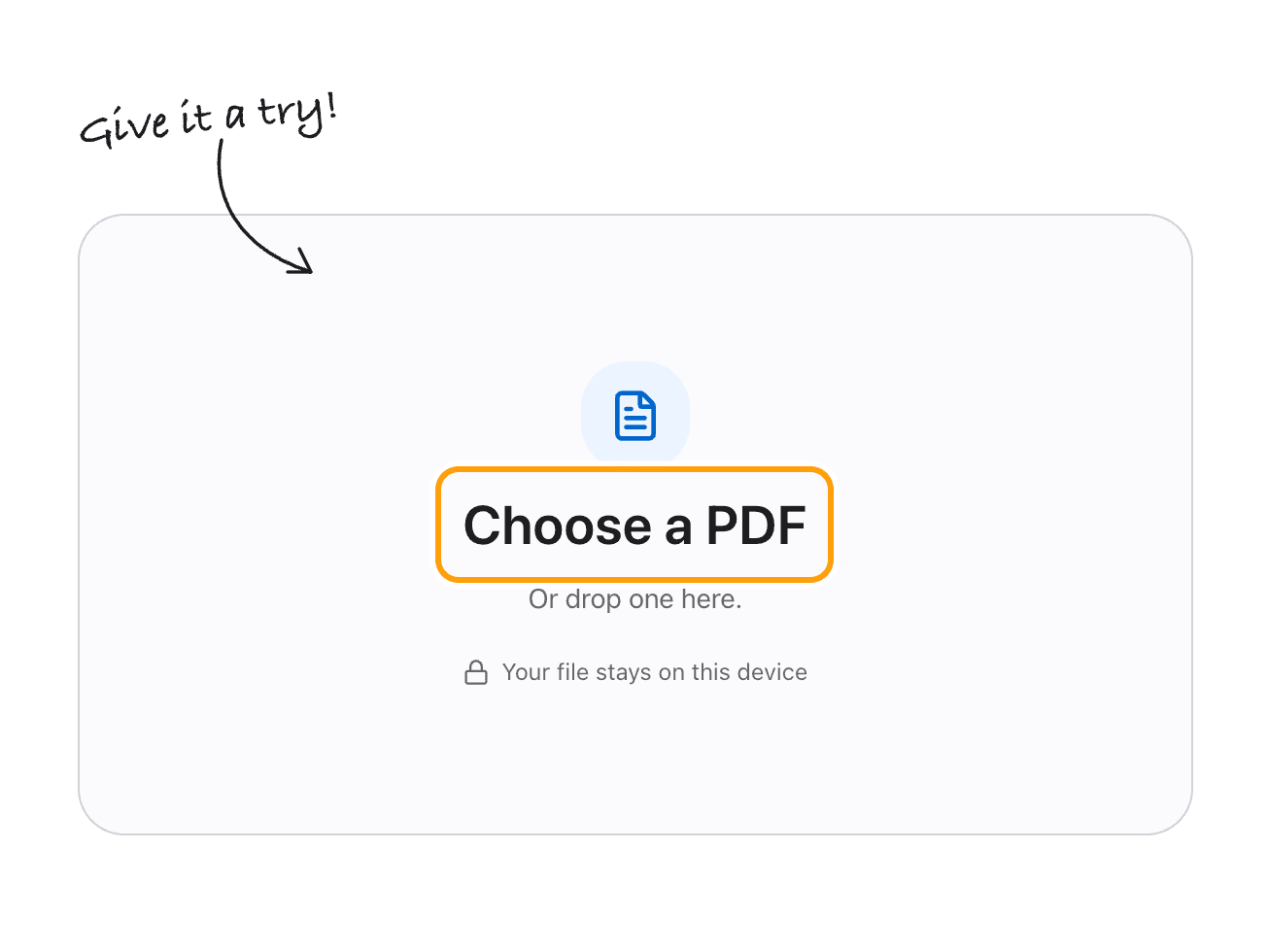
Choose your PDF
Click Choose a PDF, or drop the file anywhere on the box.
It opens in the editor right here, in your browser. Nothing is sent to a server.
Step 2
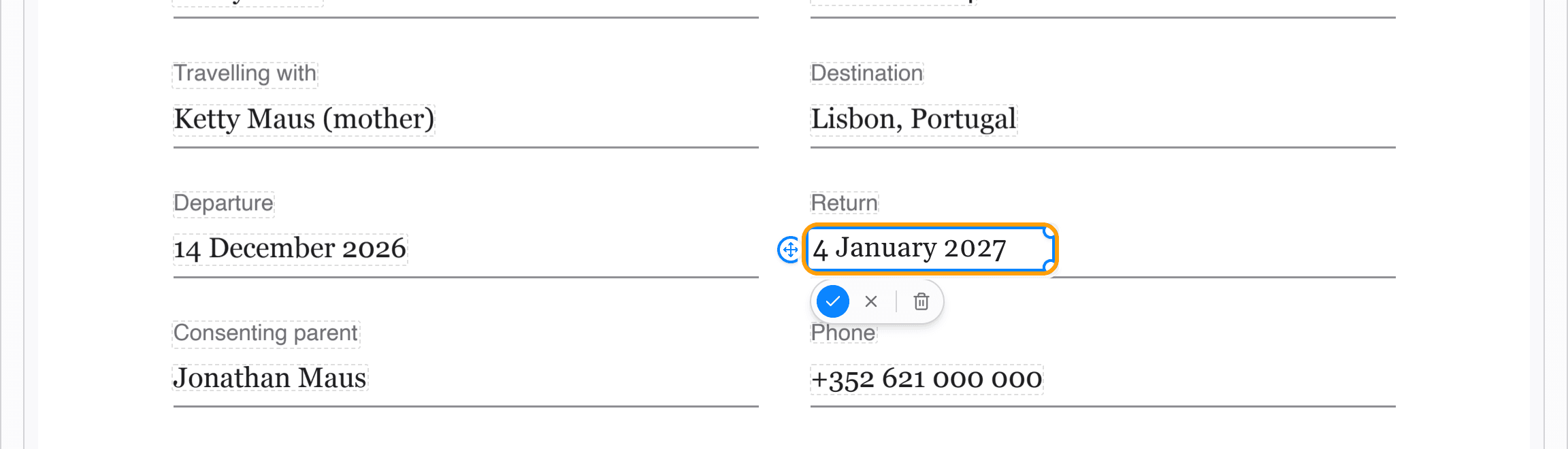
Click a line and retype it
Every line of text is outlined. Click one and type over it: the new words are set in a font that matches the original, at the same size and colour.
Here the return flight moved, so the date on a travel consent letter changes without printing, rewriting and scanning it again.
Step 3
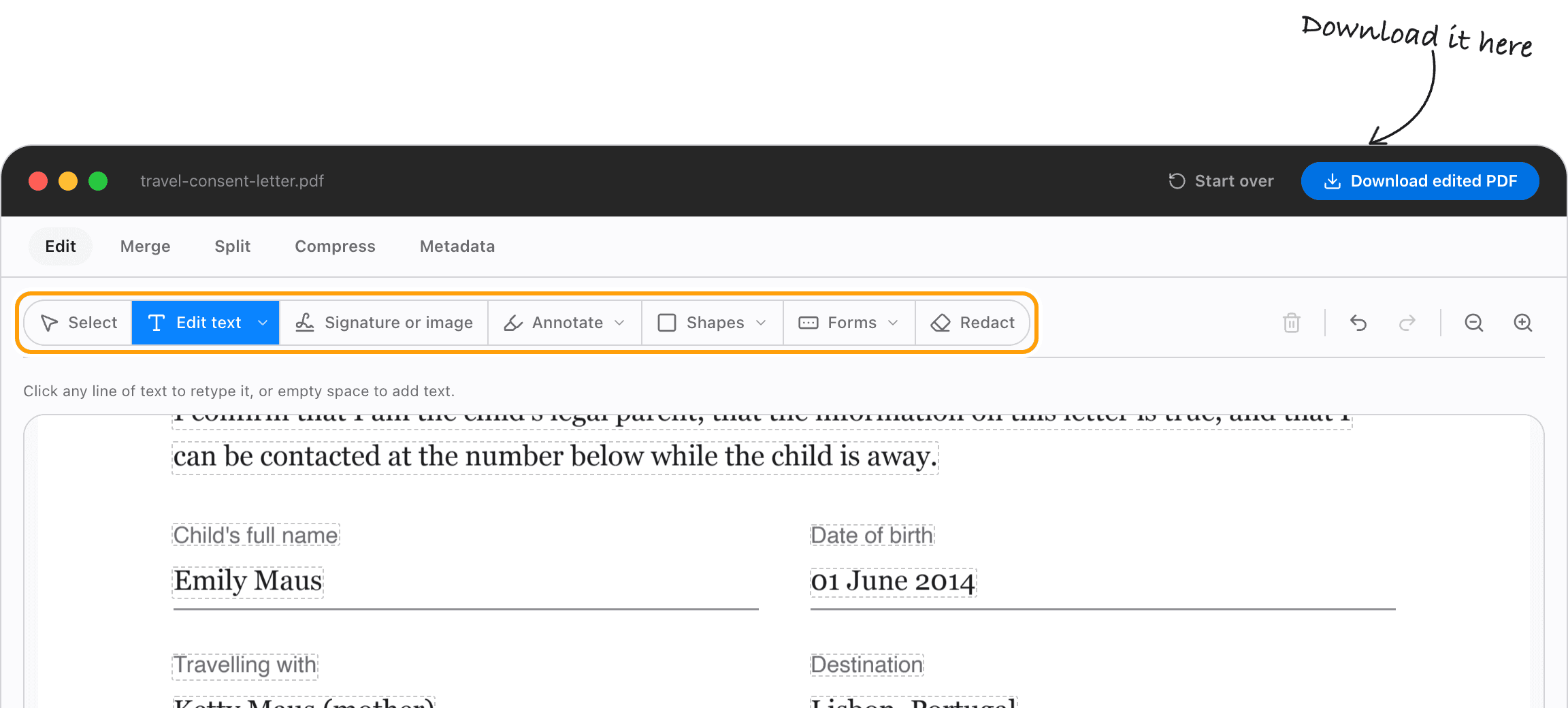
Sign, mark up or redact
The rest of the job is in the same toolbar: add a signature or image, highlight and draw, add boxes and arrows, build form fields, or black out what should not be seen.
Merge, split, compress and metadata sit in the tabs above it.
Step 4
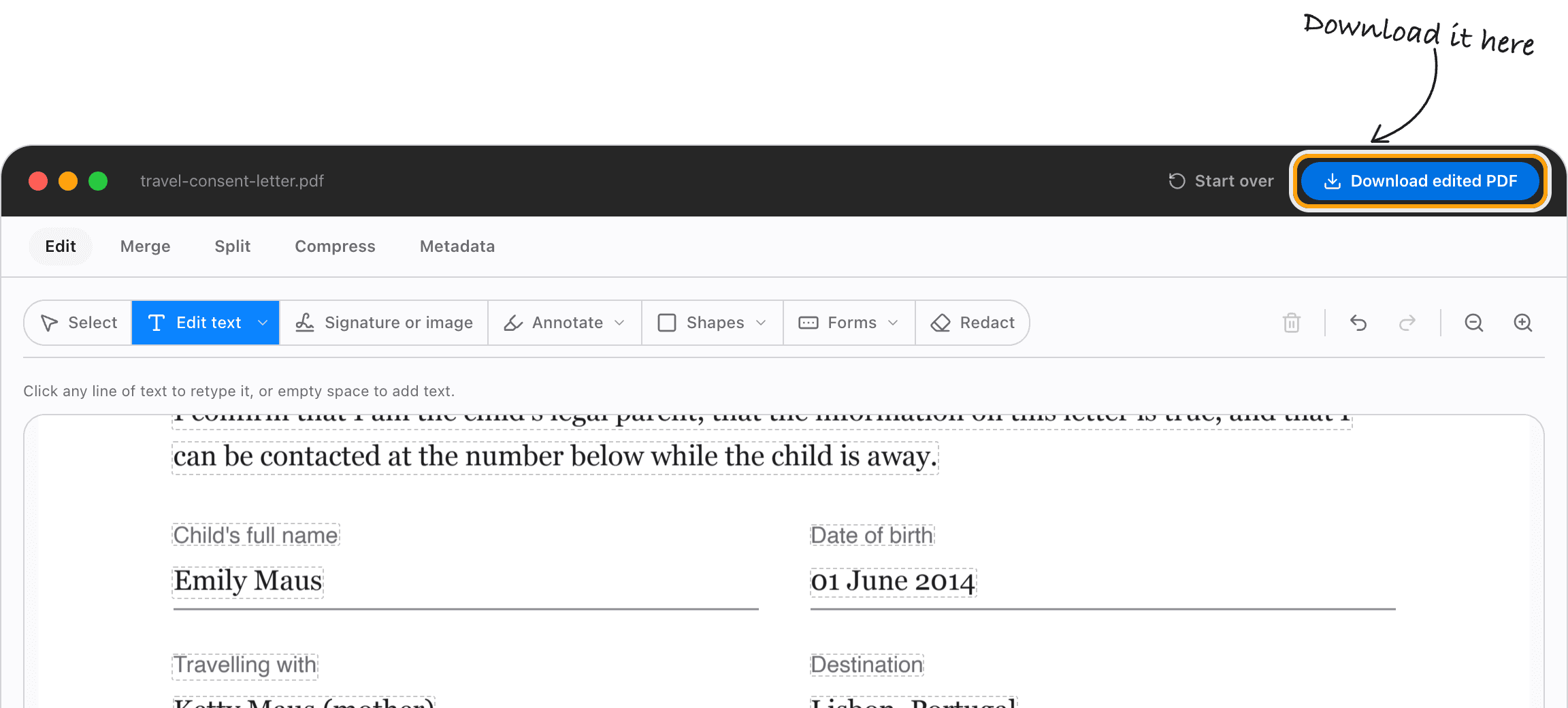
Download your PDF
Click Download edited PDF. The text you changed is real text, so the file stays selectable and searchable.
Your first download is free, with no account and no watermark.
Real editing
Editing, not annotating
Almost every free PDF tool draws on the page. TeraConvert removes the original text objects and writes yours in their place. Redaction works the same way: what you redact is deleted, not hidden under a black rectangle.
Privacy
No upload, no server
Most online editors want your document before they will show you anything. That is a copy of your contract on someone else's disk. Here there is nothing to delete afterwards, because nothing arrived.
Try your first edit free
No account, no card, no watermark on the file you download. Pro comes later, and only if you want it.
- 1 free conversion
- Pro is a one-time purchase
- No subscription
Need it offline? There's a Mac app
The same click-to-edit editor as a native app, with no size ceiling, OCR for scanned documents, and the rest of the converter behind it.
Good to know
What PDFs can I edit?
If you can select the words in your PDF, the editor can usually find them and let you change them. Exported invoices, contracts, forms, statements and reports all qualify.
Scans are the exception. A scanned page is a photograph of text, so there is nothing to select, only pixels. The editor tells you that rather than pretending to edit it.
Scanned pages need OCR before their words can be changed. TeraConvert for Mac reads them with built-in OCR when you convert them.
Your fonts and layout survive the edit
When you retype a line, the editor reads the original font, size, and colour, then writes your replacement in an open font with the same letter widths. The line does not shift and the page does not reflow.
Arial maps to Arimo, Times New Roman to Tinos, Calibri to Carlito, Cambria to Caladea, Georgia to Gelasio. If the match is not right, set the font, size, and colour by hand.
Can I edit text in a PDF online?
Yes. Open your PDF above, click the text you want to change, type the replacement, and download the edited file.
Can I edit a PDF online without uploading it?
Yes. TeraConvert runs in your browser, but your PDF is not uploaded to do it. The editing happens on your device.
Does TeraConvert upload my PDF?
No. Your file is never sent to TeraConvert's servers. Once the page has loaded you can disconnect from the internet and keep editing.
Is TeraConvert actually changing the PDF text?
Yes. The original text objects are removed from the file and the replacement is written in their place. It is not a text box laid over the top, and the old words cannot be copied back out.
Can I add text to a PDF?
Yes. Click an empty spot to add new text, and you can also highlight, draw, sign, and redact.
How do I edit a PDF on a Mac?
Open it here in Safari, Chrome or any modern browser, click the text you want to change, and download the edited file. Preview cannot rewrite text that is already in a PDF, which is the gap this fills. For offline work there is also a native Mac app.
Can I edit a PDF on Windows?
Yes. The browser editor works the same on Windows as it does anywhere else. The desktop app is macOS only right now.
Can I sign a PDF online?
Yes. Pick Sign a PDF, draw your signature or type your name in a handwriting style, then click where it goes. You can also place a picture of your signature.
Can I fill in a PDF form?
Yes. Type into the form's own fields, tick boxes on a flat form with the tick and cross tool, or add new fields so someone else can fill it in.
Can I merge, split or compress a PDF here too?
Yes. The same window has Merge, Split, Compress and Metadata tabs, and every change is applied when you download.
Can I redact a PDF?
Yes. Select what you want gone and save. The content is removed from the file rather than covered with a black box, so it cannot be recovered by copying the text.
Will the layout break when I change a line?
It shouldn't. The replacement is written in a font with the same letter widths as the original, at the same size and colour, so surrounding text stays where it is.
How do I edit a scanned PDF?
Scanned pages are images, so there is no text to select yet. They need OCR first. TeraConvert for Mac reads scanned documents with built-in OCR.
Is TeraConvert's PDF editor free?
Opening, editing and previewing are free with no account. Your first download is free too, with no sign-up and no watermark. After that, downloading needs Pro.
What does Pro cost?
Pro is a one-time purchase with a 14-day money-back guarantee. There is no monthly or yearly subscription.
Does TeraConvert add a watermark?
No. No watermark, at any tier.
Do I need Adobe Acrobat?
No. You can change existing PDF text here without Acrobat and without a subscription.
Can I use the PDF editor offline?
Yes. Once the editor has loaded, everything happens on your device. Disconnect and carry on.
Edit your PDF, privately
Edit, sign, redact and fix pages, then download the finished file. Your first download is free, and the PDF never leaves your device.