
Compress a PDF
Make it small enough to email or upload, and see the new size before you download. Your file never leaves this device.
Choose a PDF
Or drop one here.From your files, downloads, or wherever it landed.
Your file stays on this device
- Never uploaded
- Size shown before you save
- First download free
How to compress a PDF
Four steps, and you know the new size before you save anything.
Step 1
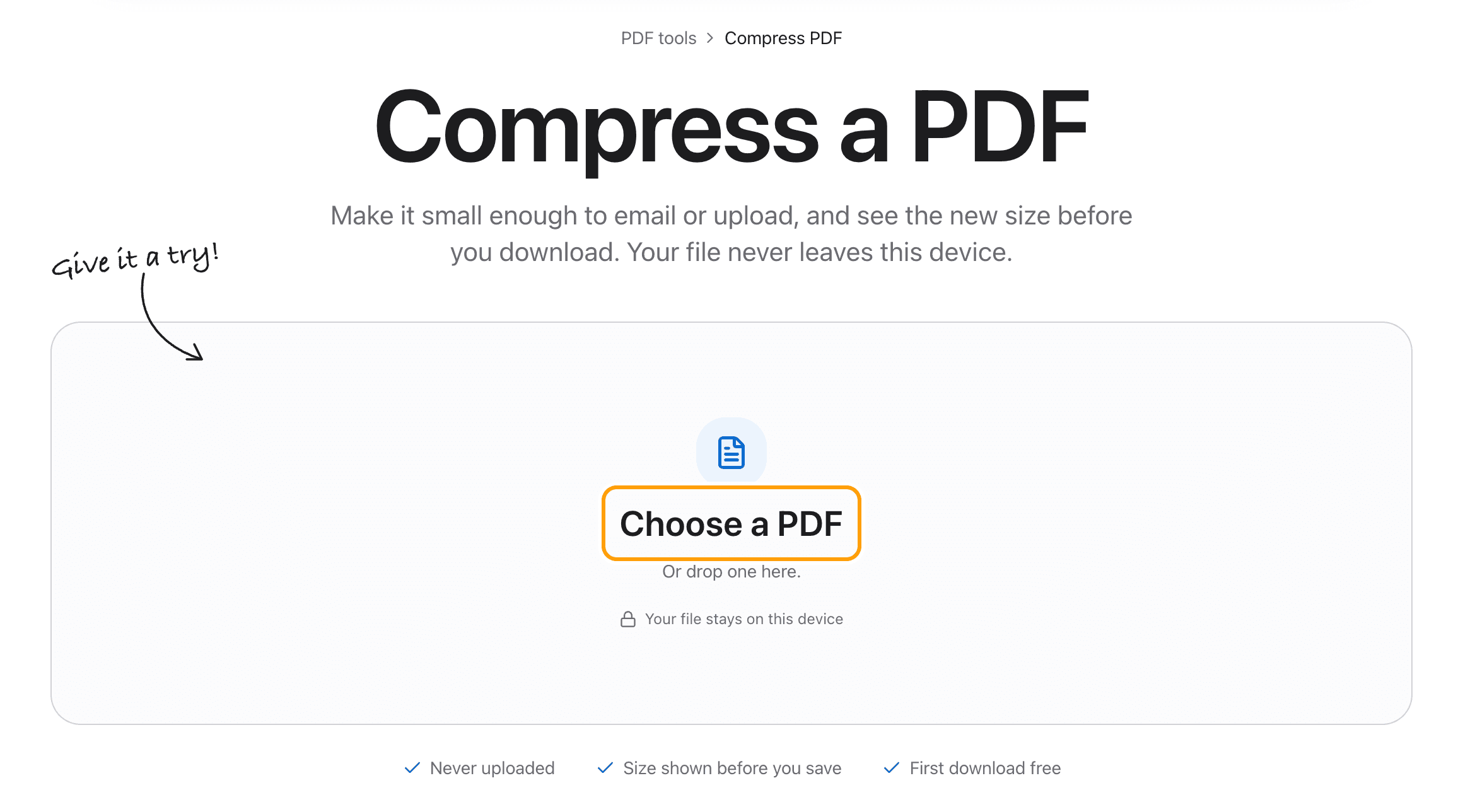
Choose your PDF
Click Choose a PDF, or drop the file anywhere on this page.
It opens here in your browser. Nothing is sent to a server, which matters for the kind of file people usually need to shrink: a scan of a passport, a signed contract, a bank statement.
Step 2
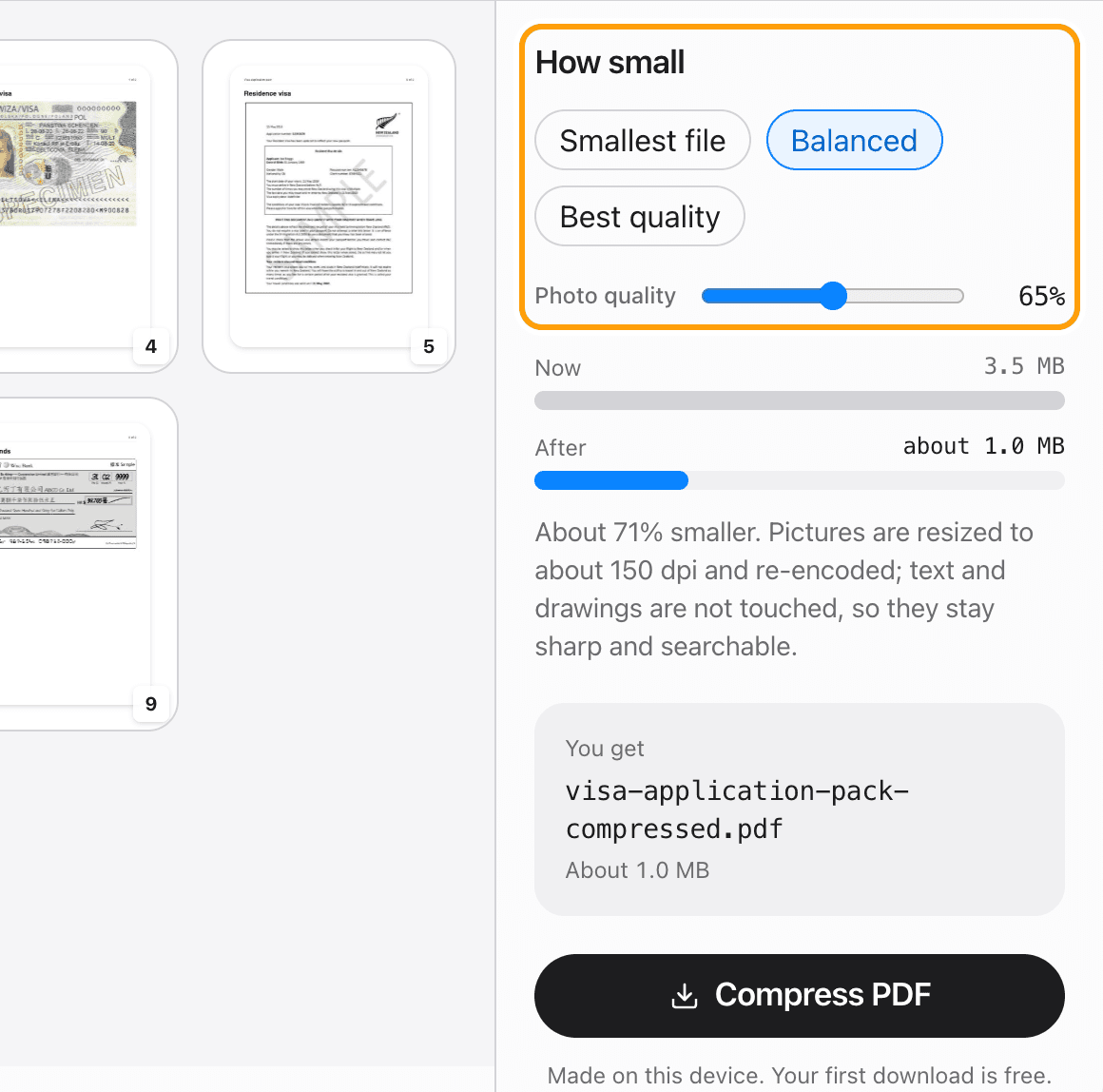
Pick how small
Three presets. Smallest file keeps pictures at about 100 dpi, for email and upload limits. Balanced keeps 150 dpi, which still prints cleanly. Best quality keeps 200 dpi for when the photos matter.
The Photo quality slider sets anything in between.
Step 3
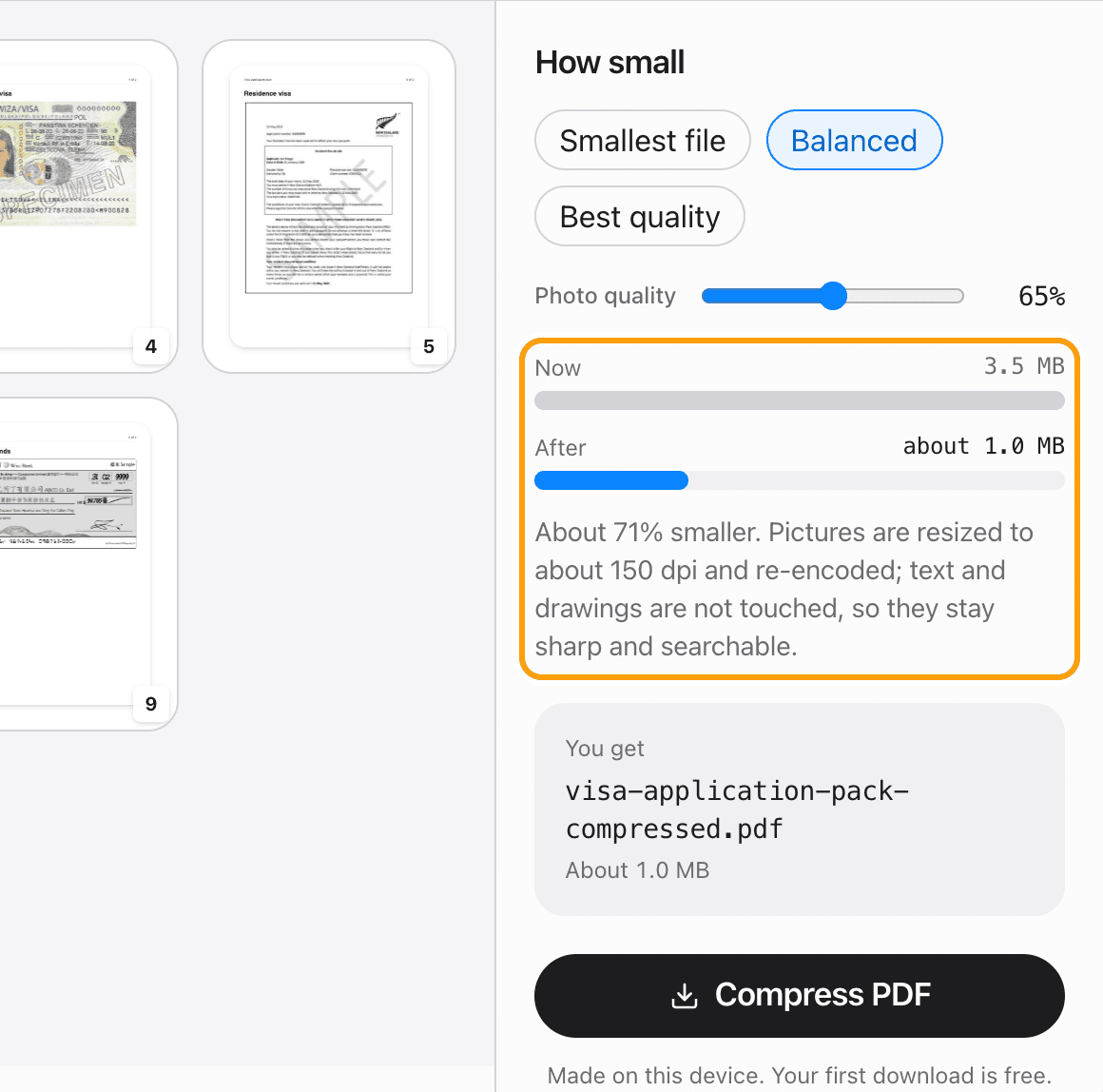
See the new size before you save
The two bars show the file now and after. The new size is measured from your PDF, not guessed, and it updates as you change the setting.
If there is nothing to gain, it says so and the button stays off, so you never download the same file twice.
Step 4
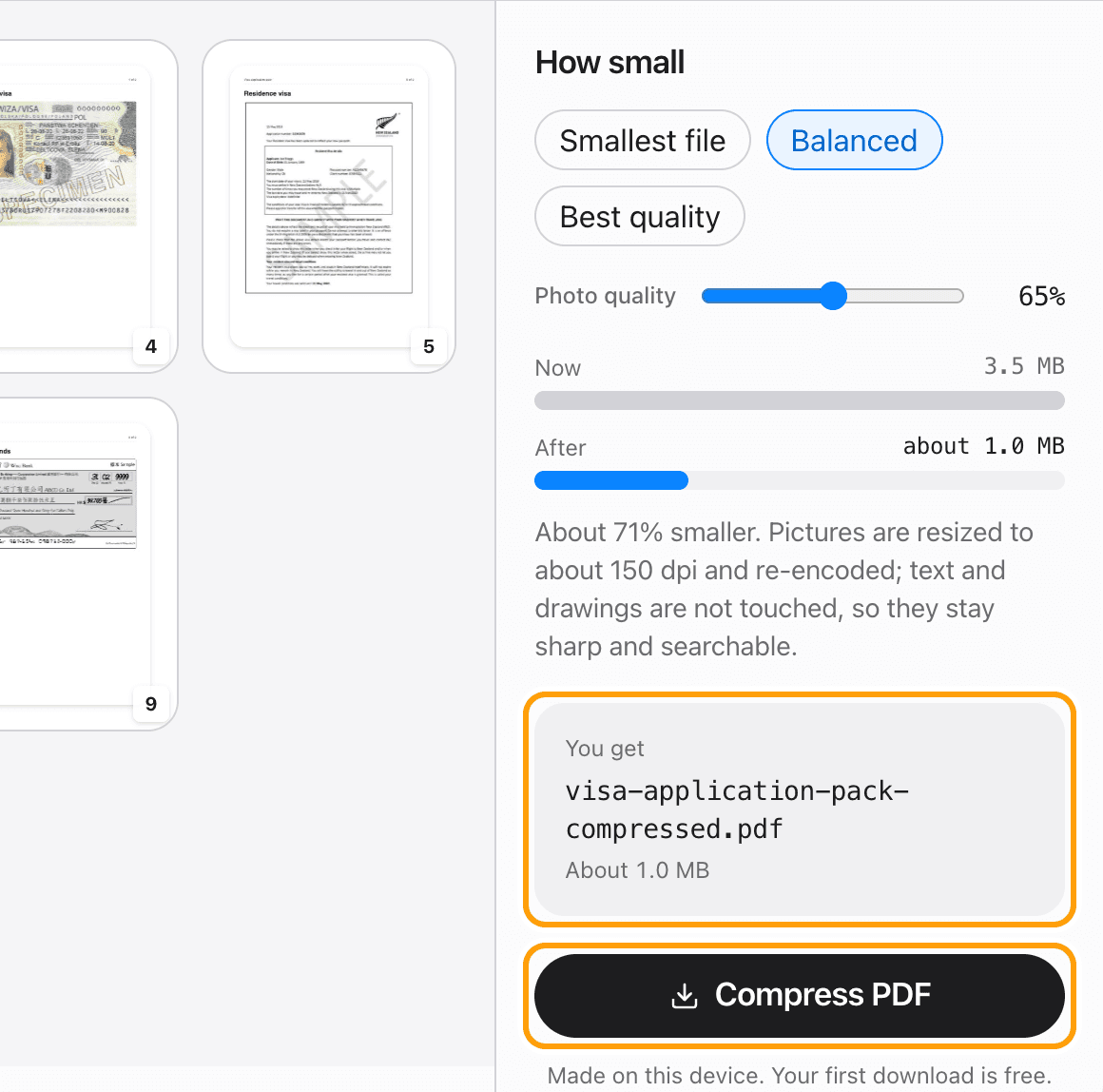
Compress and save
Click Compress PDF. The smaller file saves to your device with -compressed added to its name.
Pictures are resized to the setting you picked and re-encoded. Text, fonts and drawings are left exactly as they were, so the PDF stays sharp, searchable and selectable.
Ways to compress
Compress a PDF for email
Pick Smallest file. The bars show the new size before you download, so you know it fits under the limit before you attach it.
Reduce PDF size without losing quality
Pick Best quality. Text is never touched, pictures keep 200 dpi, and at this setting the difference is hard to see.
Compress a scanned PDF
Scans saved as photos shrink the most, because every page is one big image. Black and white scans are usually stored compactly already.
Compress a PDF that has no photos
Some PDFs are simply stored wastefully. Those are rewritten without changing a single word or line: one 79-page report in our tests went from 2.2 MB to 0.5 MB with every word intact.
Why some PDFs will not shrink
If a PDF's pictures are already low resolution and heavily compressed, like a book saved at 72 dpi, making it smaller would make the pages hard to read. The tool tells you that instead of handing back the same file.
Compress a large PDF
Files up to 100 MB work in the browser. The result is never larger than what you started with.
Edit before you compress
Edit in the PDF editor opens the same file with every tool: change text, sign, redact or remove pages, then compress and save.
Questions
How do I compress a PDF without uploading it?
Choose your PDF above, pick a preset and click Compress PDF. The work happens in your browser, on your device. The file is never sent anywhere.
Is it free?
Your first download is free, with no account and no watermark. After that, downloading needs Pro, which is a one-time purchase.
Will compressing lower the quality?
Text, fonts and drawings are not changed at all. Pictures are resized to 100, 150 or 200 dpi depending on the preset and re-encoded, so Best quality is close to the original and Smallest file trades some detail for size.
How much smaller will my PDF get?
It depends on what is inside. On 21 real PDFs we tested, Balanced took a median of 56% off and Smallest file 76%. Scans and photos shrink the most. The tool measures your file, so you see the new size before you download.
Why did my PDF not get smaller?
Its pictures are already low resolution and heavily compressed, or it is already stored efficiently. The tool says which, and it never gives you a larger file.
Can I compress a PDF to an exact size, like 1 MB?
Not as a number you type. Move between the presets and watch the After bar until it is under your limit, then save.
Is there a Mac app?
Yes. TeraConvert for Mac compresses PDFs too, with no size ceiling and no browser tab to keep open.
Ready to shrink your PDF?
Choose a PDFThe same PDF editor, on your Mac
Edit, sign, merge and compress PDFs offline, in their own window, and convert images, video, audio and documents too. Everything stays on your Mac.