
Redact a PDF
Drag over what has to go. It is deleted from the file, not just covered, so nobody can copy it back out. Your document never leaves this device.
Choose a PDF
Or drop one here.From your files, downloads, or wherever it landed.
Your file stays on this device
- Never uploaded
- Removed, not covered
- First download free
How to redact a PDF
Four steps, and what you redact is gone for good.
Step 1
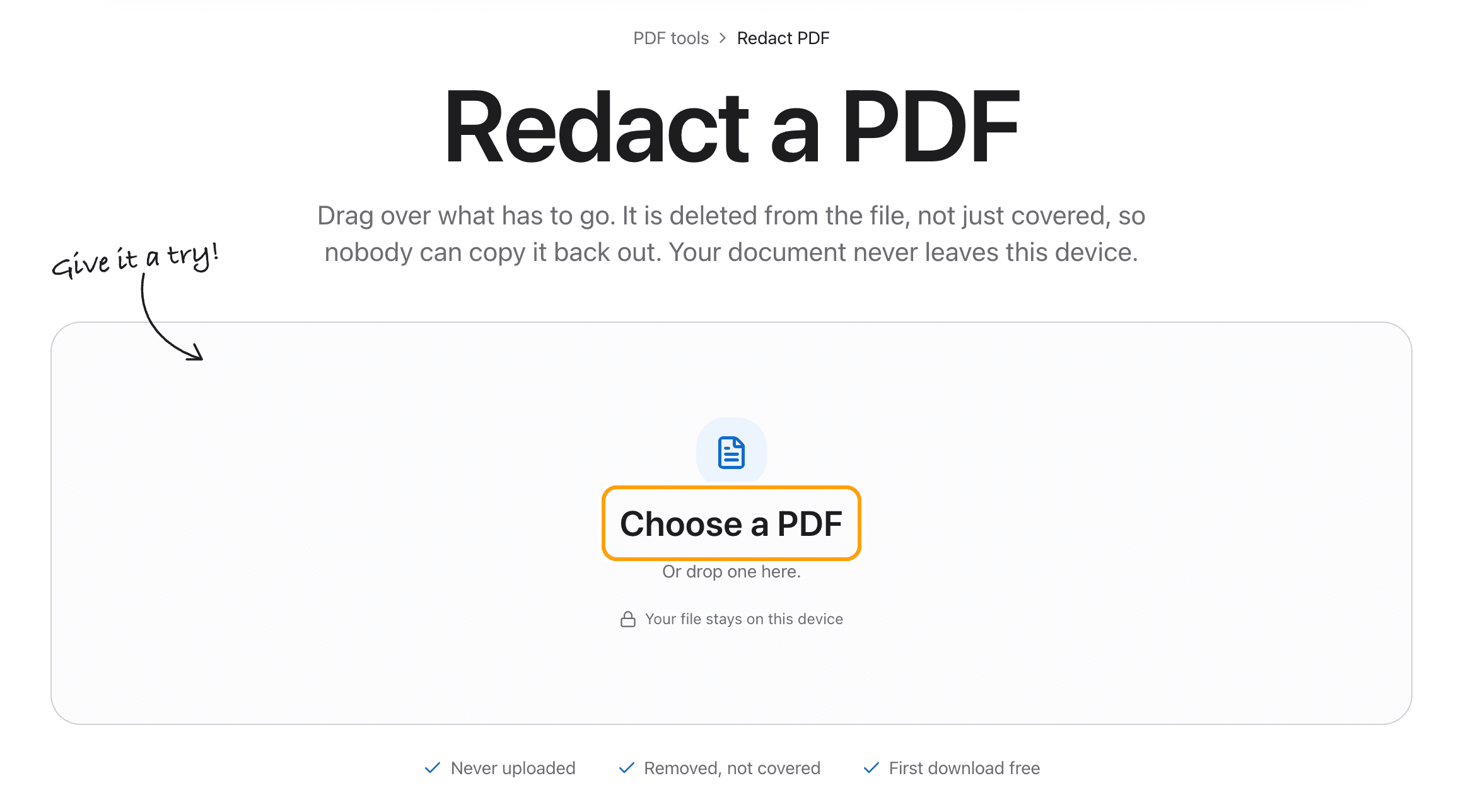
Choose your PDF
Click Choose a PDF, or drop the file anywhere on this page.
It opens in the editor with the Redact tool ready. The document is never uploaded, which is the point when the thing you are hiding is an account number.
Step 2
Drag over what has to go
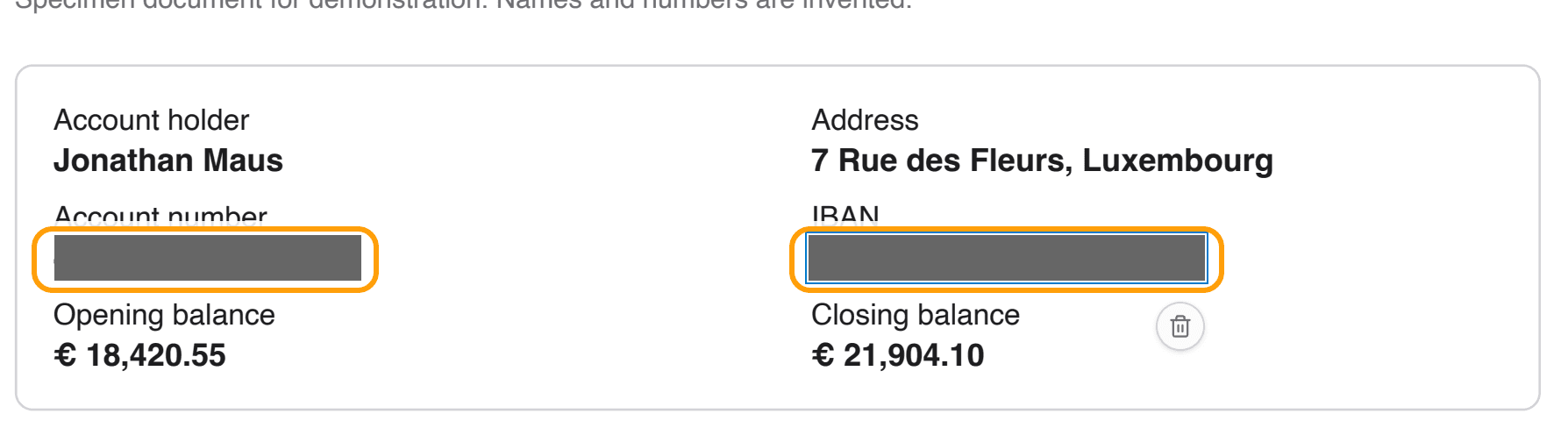
Drag a box over anything: a line of text, a number, a signature, a photo. It is covered the moment you let go.
Here, a bank statement sent as proof of funds, with the account number and IBAN taken out.
Step 3
Pick the cover
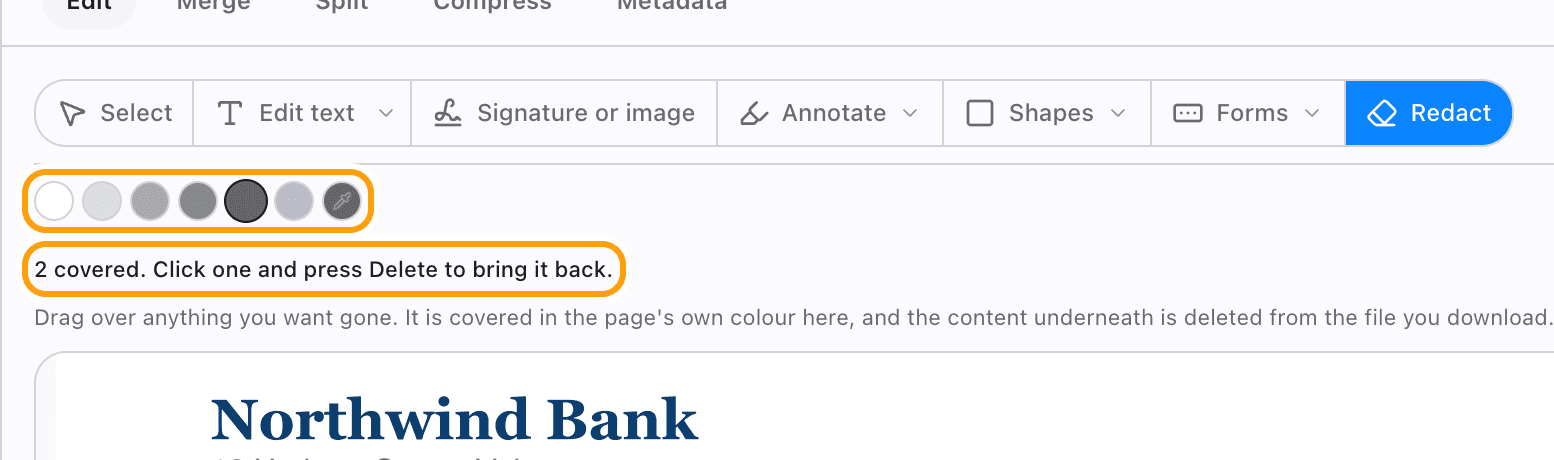
By default the cover takes the colour of the page, so the result reads as erased rather than censored. Pick a dark swatch for the classic black bar.
Changed your mind? Click a cover and press Delete, or undo. Nothing is final until you download.
Step 4
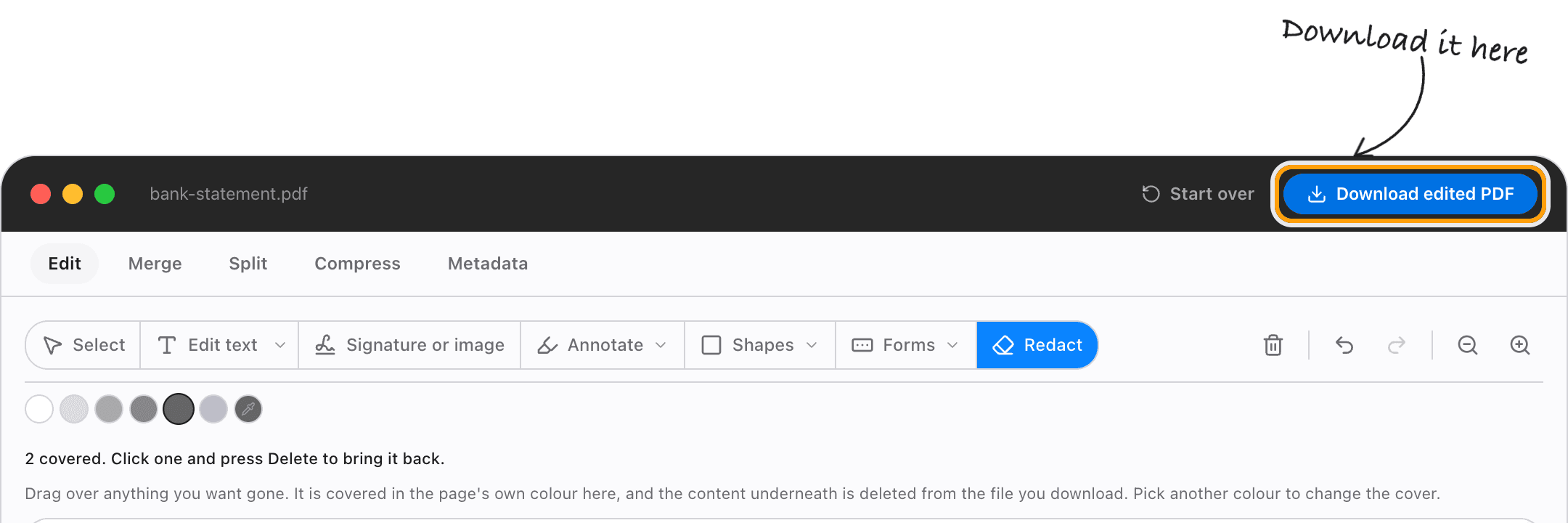
Download the redacted PDF
Click Download. Text under a cover is deleted from the file, so it cannot be copied, searched or pulled back out. Pictures under a cover are blanked inside the image itself.
Everything else stays as it was.
Ways to redact
Redact an account number on a bank statement
Drag over the number and the IBAN before you send a statement as proof of funds. The balance and the transactions you need to show stay readable.
Black out a name or address
Pick the darkest swatch and drag over the line. The words are removed from the file, not just hidden behind the bar.
Redact a photo or signature
Drag over it like text. The covered part of the image is blanked in the image data itself.
Redact a scanned document
A scan is a picture of the page, so a cover blanks those pixels. It works the same as on any other PDF.
Make it look erased
The default cover matches the page, so a removed line leaves clean paper instead of a black bar.
Check before you send
Every cover can be selected, recoloured or removed until you download. After that, what was under it is gone.
Questions
How do I redact a PDF without uploading it?
Choose your PDF above, drag over what you want gone, and download. It happens in your browser, on your device. The document, and what you are hiding in it, is never sent anywhere.
Is the redacted text really gone?
Yes. Text under a cover is deleted from the file, so it cannot be copied, searched or recovered by removing the box. Images under a cover are blanked in the image data.
Is it free?
Your first download is free, with no account and no watermark. After that, downloading needs Pro, which is a one-time purchase.
Can I undo a redaction?
Until you download, yes: click the cover and press Delete, or undo. Your original file is never changed; the redacted copy is saved as a new PDF.
Can it find and redact every copy of a word?
Not yet. Redaction is by area: drag over each place the text appears.
Why not just draw a black box in another app?
A box drawn on top leaves the words underneath, and anyone can copy them back out. That is the mistake redaction exists to prevent.
What if my PDF has a password?
The editor asks for it when the file opens. Type it once and redact as normal.
Ready to redact?
Choose a PDFThe same PDF editor, on your Mac
Edit, sign, merge and compress PDFs offline, in their own window, and convert images, video, audio and documents too. Everything stays on your Mac.