
Fill in a PDF form
Click a field and type, tick the boxes, and download it still fillable. Forms without fields work too. Your file never leaves this device.
Choose a PDF
Or drop one here.From your files, downloads, or wherever it landed.
Your file stays on this device
- Never uploaded
- Stays fillable
- First download free
How to fill in a PDF form
Four steps, and your answers stay in the form's own fields.
Step 1
Choose your form
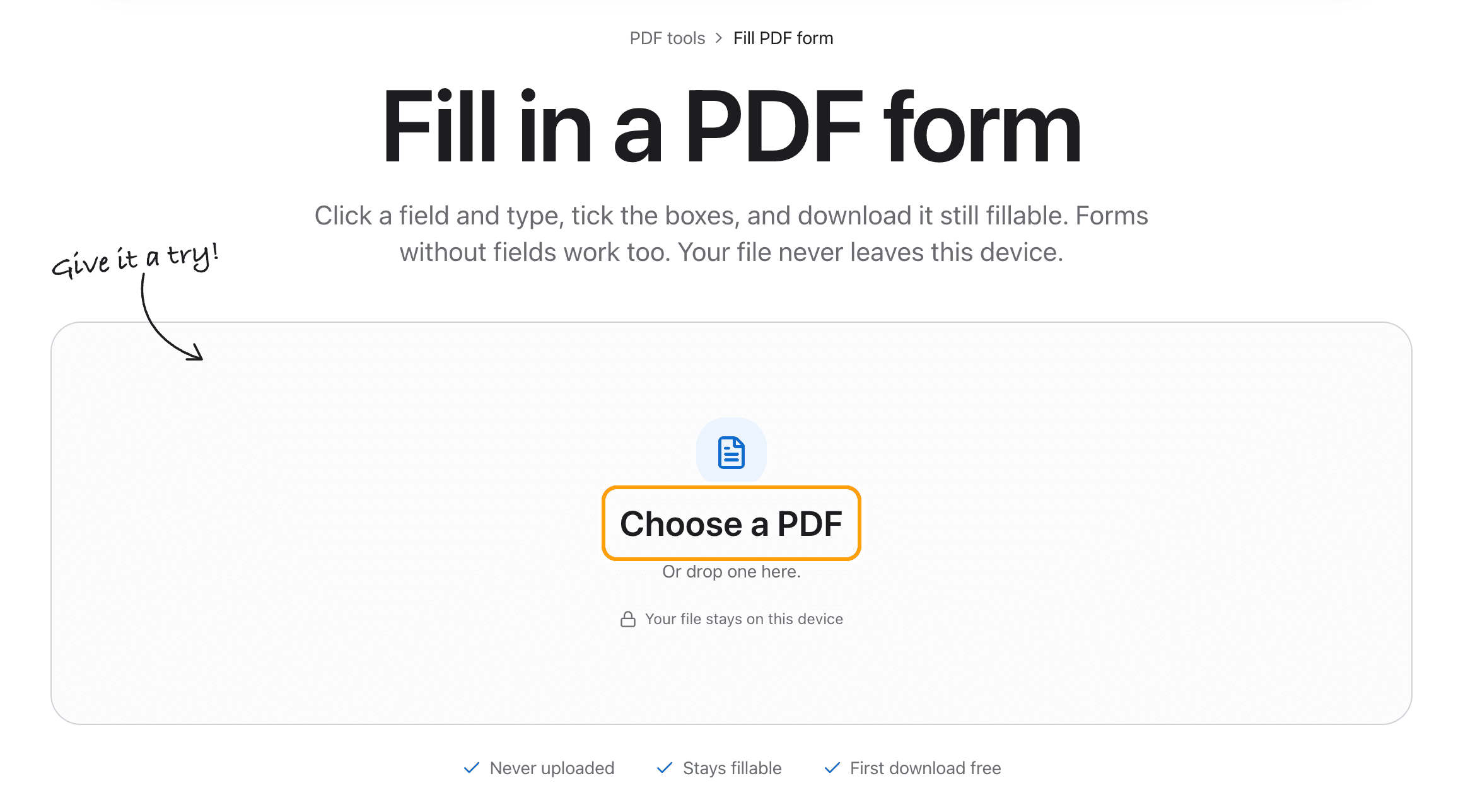
Click Choose a PDF, or drop the form anywhere on this page.
It opens in the editor right here. Nothing is sent to a server, which matters for forms full of names, dates of birth and passport numbers.
Step 2
Click a field and type
Click any box on the form and type. What you type goes into the form's own field, in the font the form asks for.
Tab moves to the next field, the way it does in any form.

Step 3
Tick the boxes and pick the options
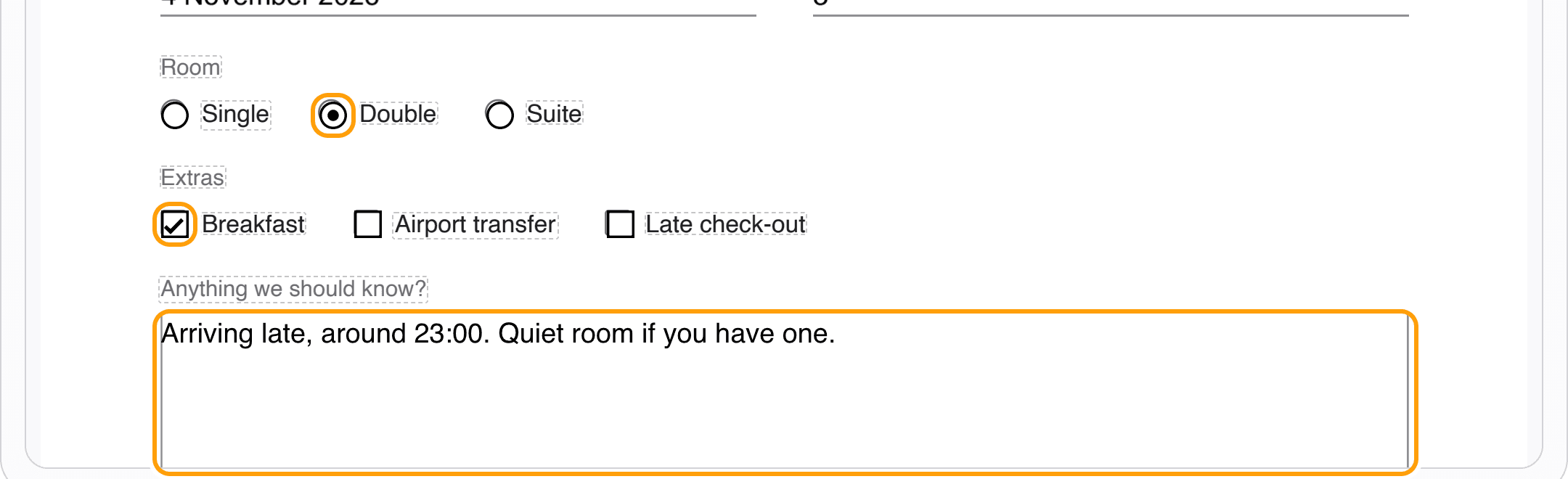
Click a checkbox to tick it, click again to untick it. Radio buttons take one choice each, so picking Double clears Single.
Multi-line boxes, like a notes field, wrap as you type.
Step 4
Download the filled form
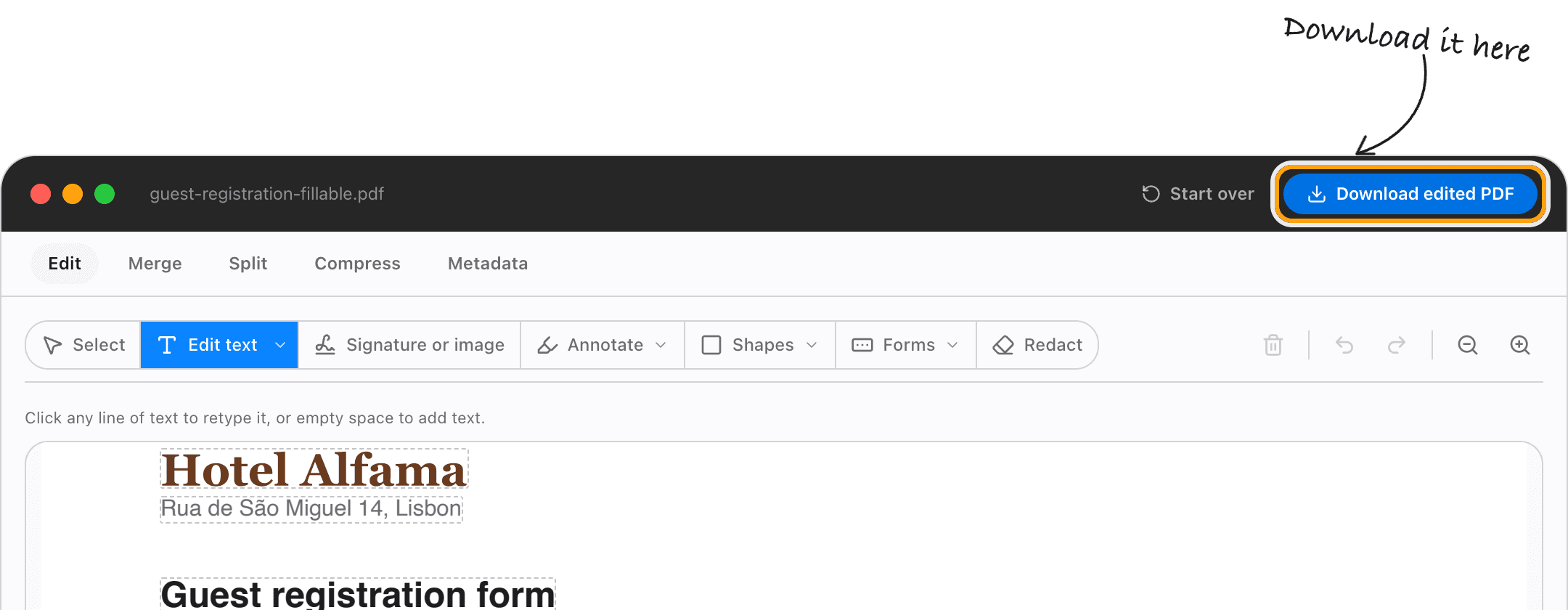
Click Download edited PDF. Your answers are saved in the form's fields, so the file is still a form: anyone can open it and change an answer later.
It opens the same in Preview, Acrobat and every browser.
Ways to fill a form
Forms with no fields to click
Some forms are just printed lines. Click on the line and type anyway: the text goes where you click, in the style of the page. Add text to PDF covers that on its own page.
Sign the form
Signature or image in the toolbar draws or types your signature and places it on the signature line.
Tick a box on a flat form
The tick and cross tool puts a mark on a box that is only printed, not clickable.
Keep it fillable
Your answers are saved in the form's fields rather than stamped on top, so the next person can still change them.
Make a form that others can fill
Starting from a document with no fields? Create fillable PDF adds text boxes, checkboxes and drop-downs.
Fill a form on a phone
It works in Safari and Chrome on an iPhone or Android phone. Tap a field and the keyboard comes up.
Questions
How do I fill in a PDF form without uploading it?
Choose the form above, click each field and type, tick the boxes, and download. It all happens in your browser, on your device. The form and your answers are never sent anywhere.
Is it free?
Your first download is free, with no account and no watermark. After that, downloading needs Pro, which is a one-time purchase.
Is the filled form still fillable?
Yes. Answers go into the form's own fields, so anyone who opens the file can still read and change them.
What if the form has no fields?
Click where the answer goes and type. The text is placed on the page in the style of the lines around it.
Can I save and finish it later?
Download it when you stop, then open the downloaded file here again. The answers you gave are still in its fields.
What if the form has a password?
Take it off first with Unlock PDF, then fill it in.
Ready to fill in your form?
Choose a PDFThe same PDF editor, on your Mac
Edit, sign, merge and compress PDFs offline, in their own window, and convert images, video, audio and documents too. Everything stays on your Mac.