
Unlock a PDF
Take the password off a PDF you can open, or lift its print and copy limits. Your file never leaves this device.
Choose a PDF
Or drop one here.From your files, downloads, or wherever it landed.
Your file stays on this device
- Never uploaded
- Nothing guessed or cracked
- First download free
How to remove a password from a PDF
Four steps, and it tells you what kind of lock it is before you type anything.
Step 1
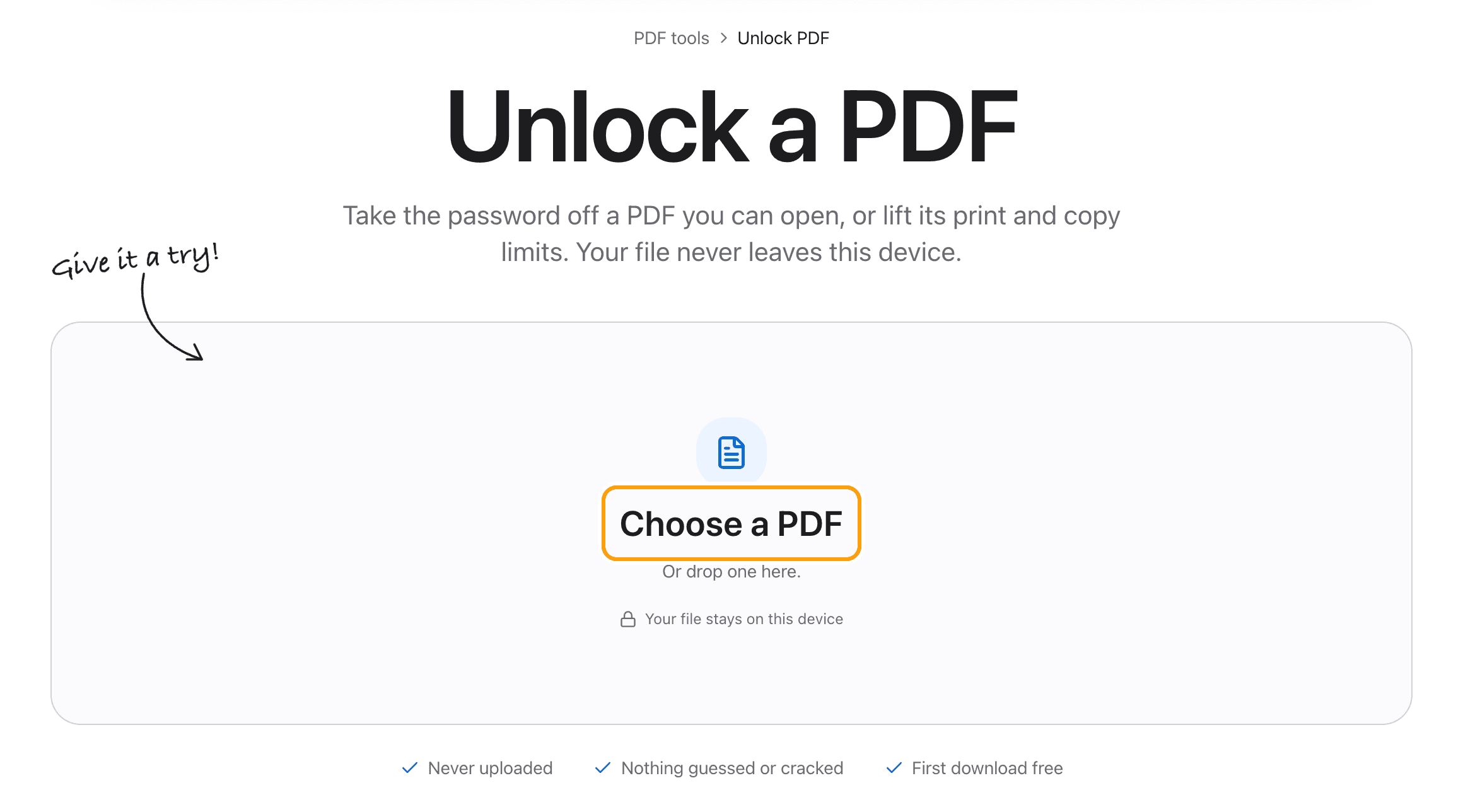
Choose your PDF
Click Choose a PDF, or drop the file anywhere on this page.
It opens here in your browser. A bank statement or a payslip is exactly the kind of file that should not be uploaded to have its password taken off.
Step 2
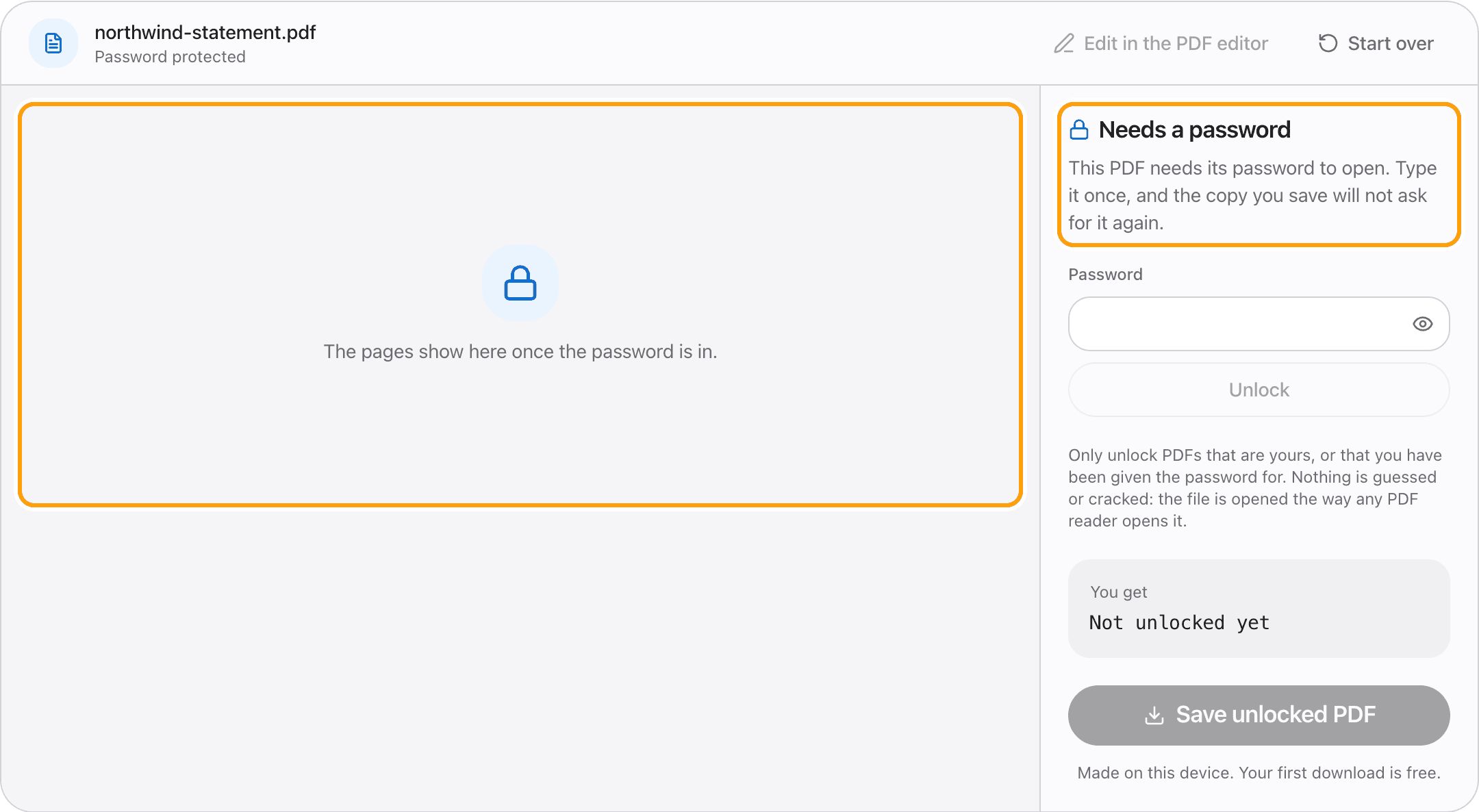
See how it is protected
There are two kinds of PDF protection, and the panel says which one your file has.
Some PDFs need a password to open at all. Others open fine but have printing, copying or editing switched off. Those need no password here, just the click.
Step 3
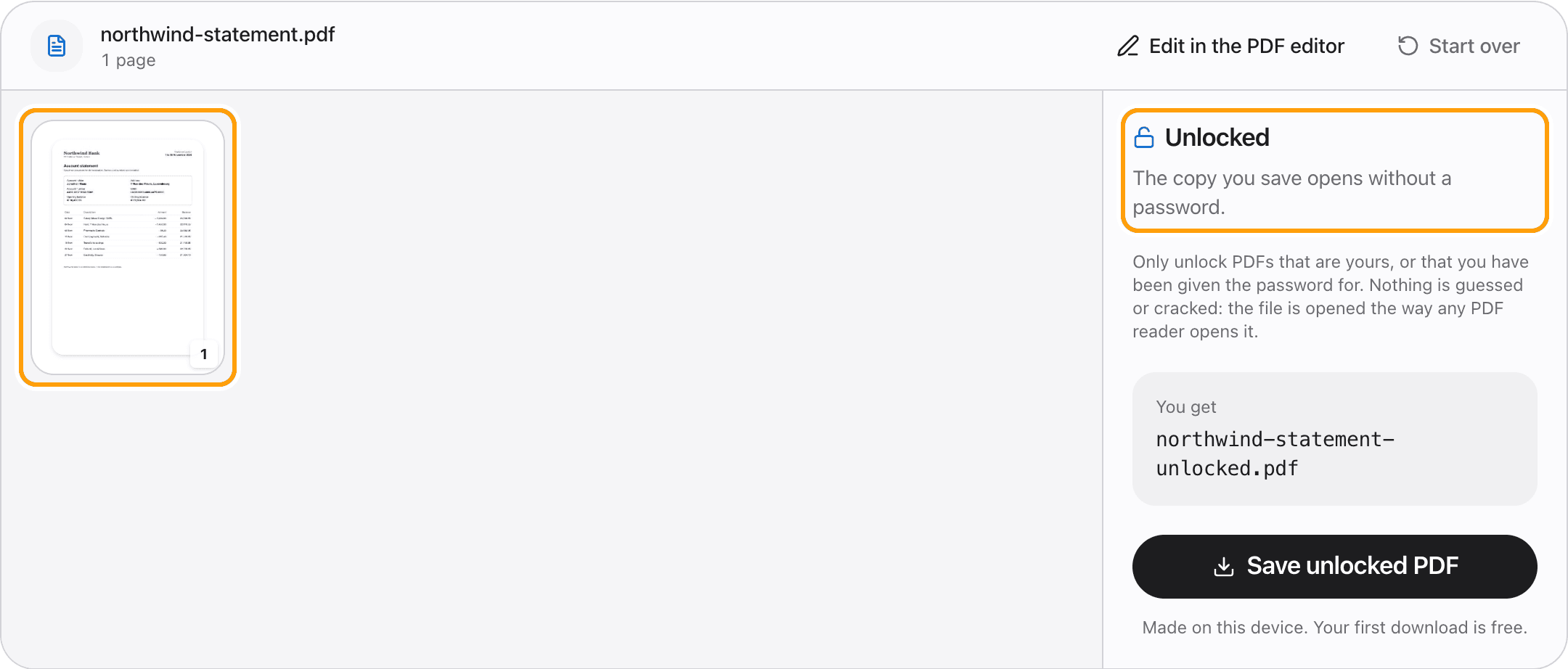
Type the password once
Type the password the file already has and click Unlock. If it is wrong, it says so and nothing else happens.
Once it is right, the pages appear, so you can see it is the file you meant.
Step 4
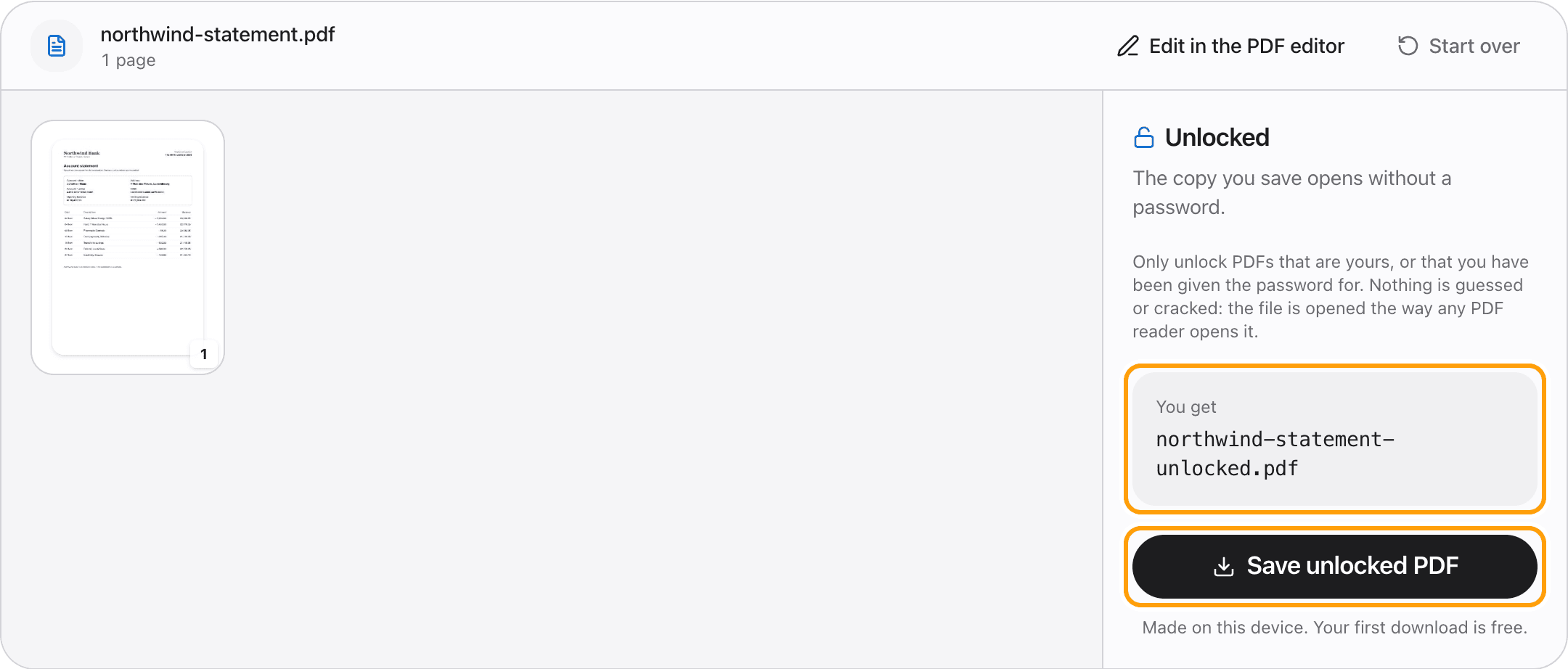
Save the unlocked copy
Click Save unlocked PDF. The copy that saves has no password and no restrictions, and opens anywhere without asking.
Your original file is not changed.
Ways to unlock
Remove a password from a PDF
Type the password it opens with, once. The saved copy opens without one.
Allow printing and copying
A PDF that opens freely but will not print or let you copy text is unlocked in one click, with no password asked.
Edit a password-protected PDF
After unlocking, Edit in the PDF editor opens the unlocked copy, so you can change its text or sign it without the password prompt.
Bank statements and payslips
These often arrive locked with a date of birth or an ID number. Unlock them once so your accounting app or your printer can read them.
On an iPhone or iPad
It works in Safari and Chrome. Pick the PDF from the Files app, type the password, save.
Forgotten the password?
This tool cannot help. It removes a password you know. It does not guess or crack one.
Questions
How do I remove a password from a PDF without uploading it?
Choose the PDF above, type its password, and click Save unlocked PDF. It happens in your browser, on your device. The file and the password are never sent anywhere.
Is it free?
Your first download is free, with no account and no watermark. After that, downloading needs Pro, which is a one-time purchase.
Can it open a PDF if I do not know the password?
No. For a PDF that needs a password to open, you have to type the right one. The only protection it removes without a password is the kind that lets a file open but blocks printing or copying.
Is it legal to unlock a PDF?
Unlocking your own files, or files you were given the password for, is what this is for. Do not use it on documents you do not have the right to change.
Does unlocking change anything else?
No. The pages, text, images and form fields stay as they were. Only the password and the restrictions are removed.
Is my original file changed?
No. Unlocking saves a new copy, named with -unlocked at the end. The original keeps its password.
Ready to unlock your PDF?
Choose a PDFThe same PDF editor, on your Mac
Edit, sign, merge and compress PDFs offline, in their own window, and convert images, video, audio and documents too. Everything stays on your Mac.