
Create a fillable PDF
Add text fields, drop-downs, checkboxes and radio buttons to any PDF, and download a form anyone can fill. Your document never leaves this device.
Choose a PDF
Or drop one here.From your files, downloads, or wherever it landed.
Your file stays on this device
- Never uploaded
- Works in any PDF reader
- First download free
How to create a fillable PDF
Four steps, from a flat page to a form people can fill in.
Step 1
Choose your PDF
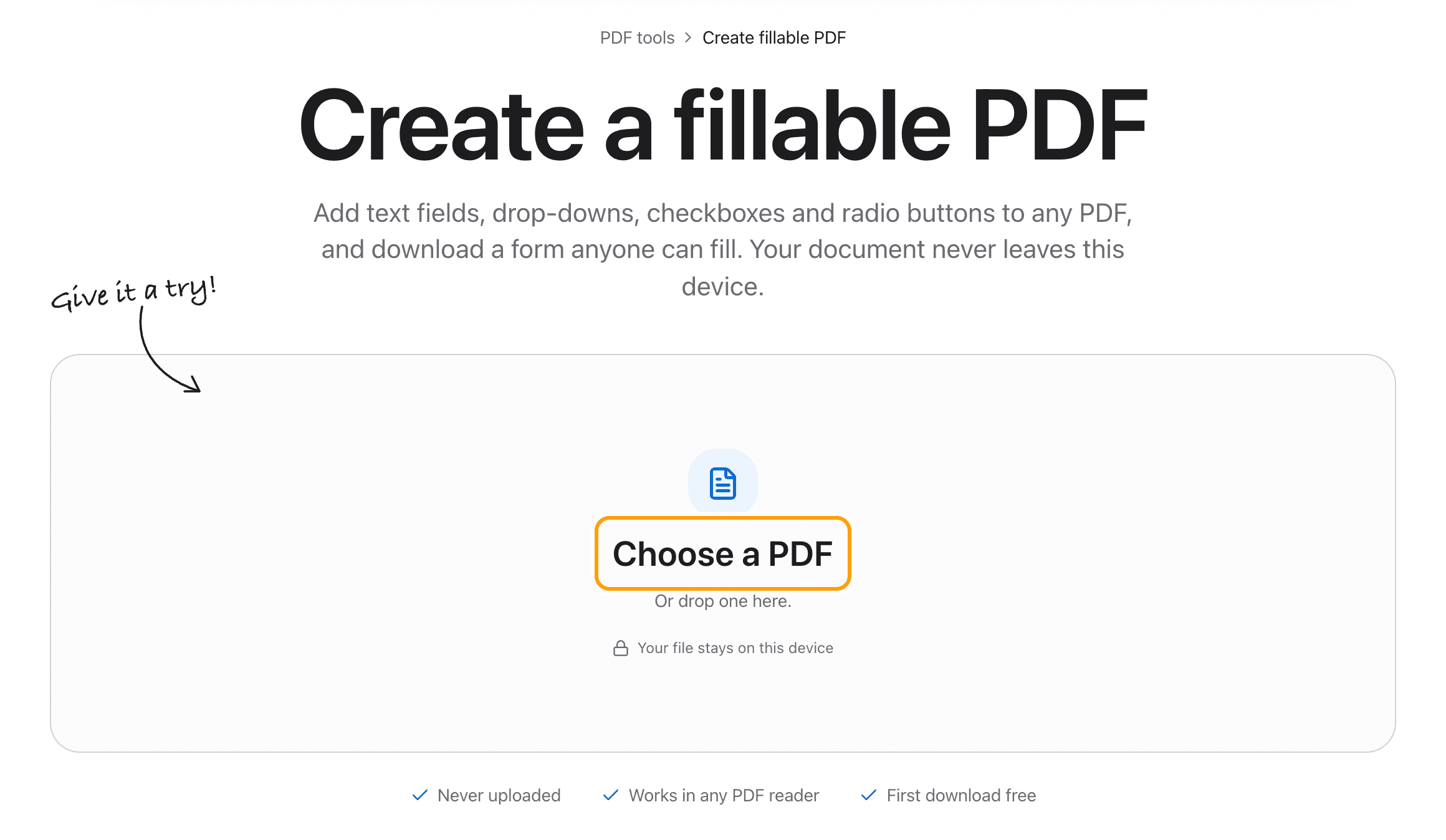
Click Choose a PDF, or drop the file anywhere on this page. Any PDF works: a form you made in Word, a scan, a printed sheet.
It opens in the editor with the form tools ready. Nothing is sent to a server.
Step 2
Pick a field and drag where it goes
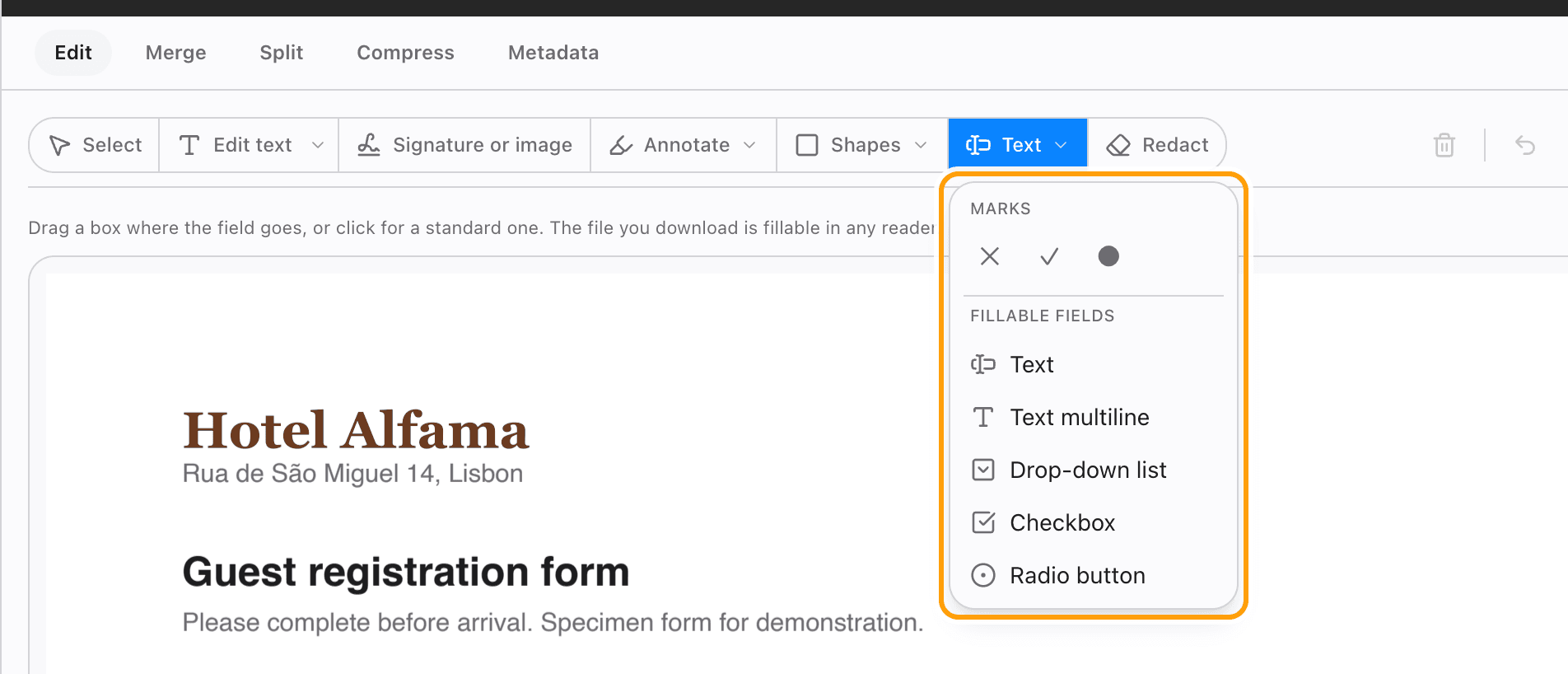
Five kinds of field: text, text over several lines, a drop-down list, a checkbox and a radio button.
Drag a box over the blank line, or just click for a standard size. A click centres the field, so checkboxes land on the printed boxes.
Step 3
Name it and set it up
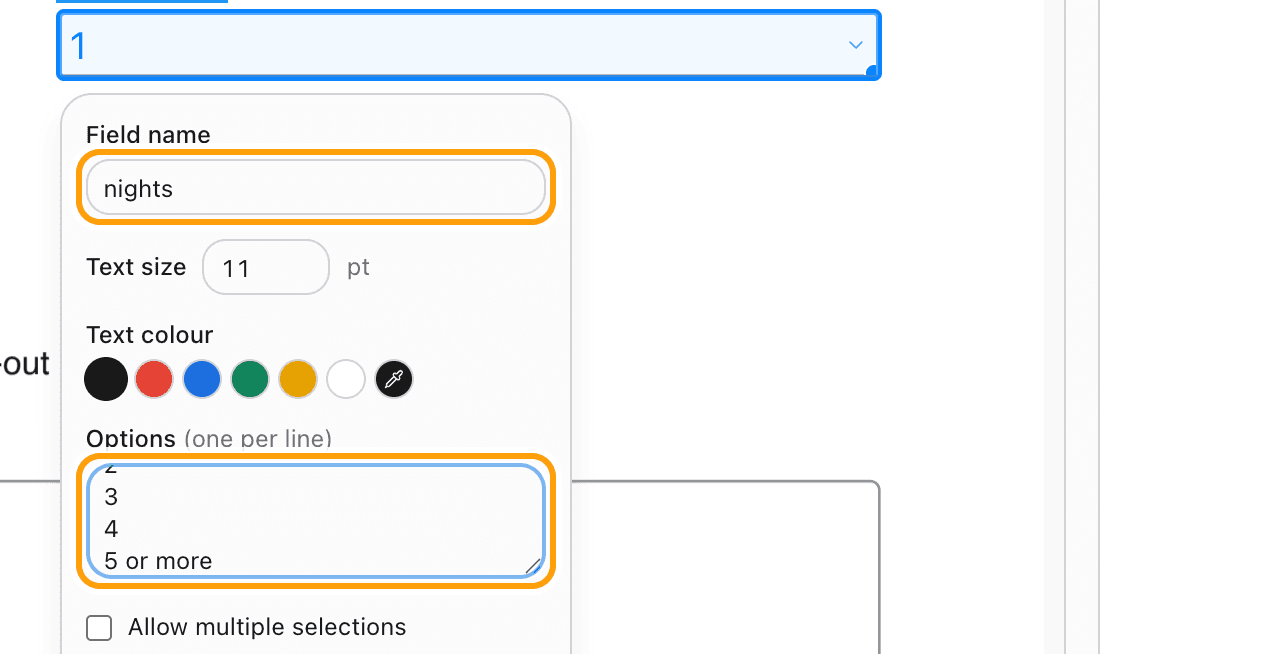
Each new field opens its settings straight away: its name, the text size and colour, and whether it must be filled in.
A drop-down takes its choices one per line. Here, the number of nights on a hotel registration form.
Step 4
Download a form anyone can fill
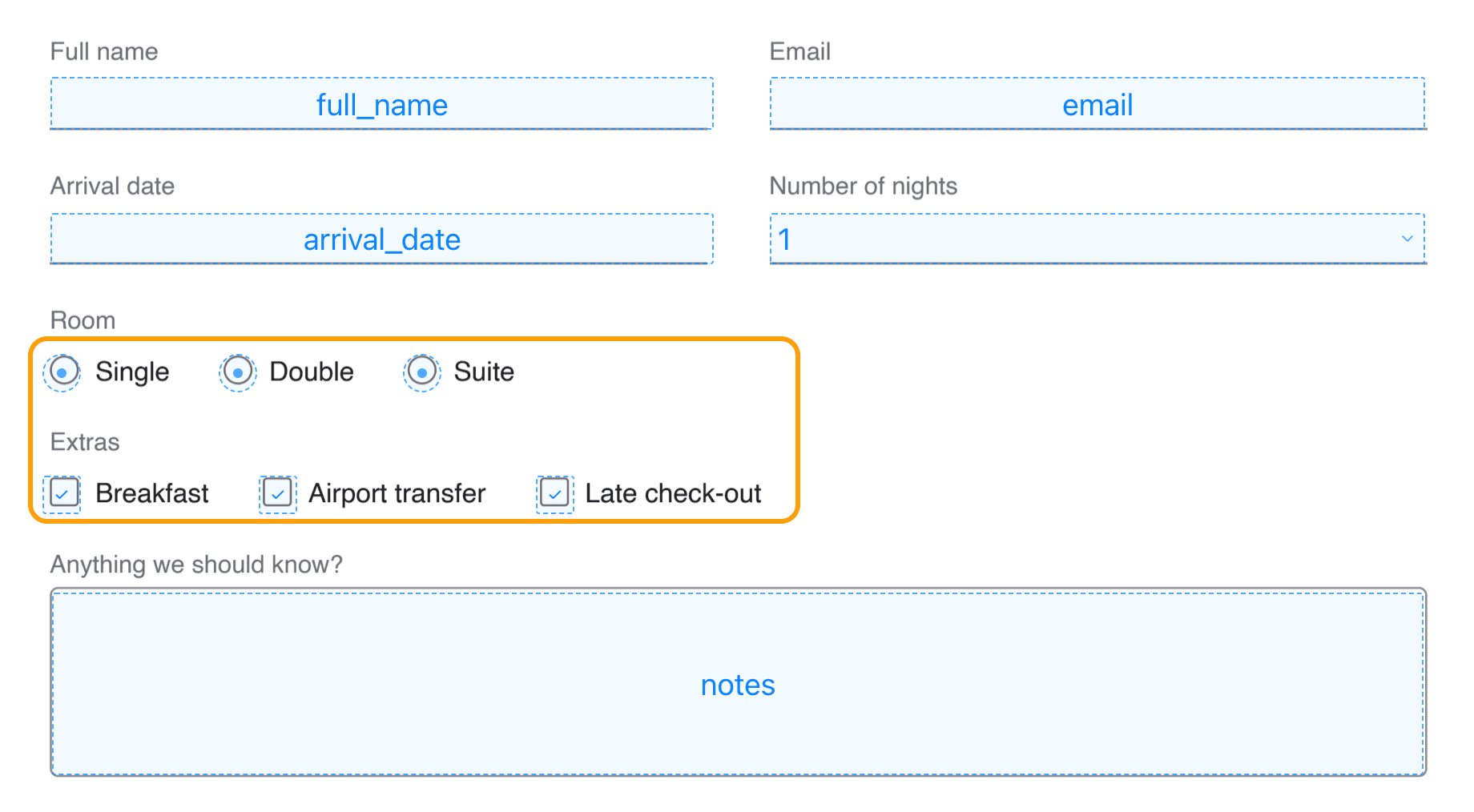
Click Download. The fields are real form fields, so the PDF can be filled in any PDF reader that fills forms, on a computer or a phone.
Here, the finished registration form: named text fields, a drop-down, one group of room choices and three extras to tick.
What you can add
Add text fields
One line for a name or a date, or several lines for comments. Set the text size and colour so typed answers match the form.
Add a drop-down list
Type the choices one per line. Tick Allow multiple selections when more than one answer is fine.
Add checkboxes
Click once on each printed box. Every checkbox is its own yes or no.
Add radio buttons
Place them one after another and they form one group, so only one can be picked. Rename the group once and every button follows.
Make a field mandatory
Tick Field is mandatory and a reader will ask for it before the form is submitted.
Need a signature?
There is no signature field, because a box labelled signature is not a signature. Use Sign PDF to add a real one.
Questions
How do I make a PDF fillable without uploading it?
Choose your PDF above, pick a field type, drag it where the answer goes, and download. It all happens in your browser, on your device. The document is never sent anywhere.
Is it free?
Your first download is free, with no account and no watermark. After that, downloading needs Pro, which is a one-time purchase.
Will the form work in Adobe Acrobat and Preview?
Yes. The fields are standard PDF form fields, so any reader that fills forms can fill them, on a Mac, a PC or a phone.
Which kinds of field can I add?
Single-line text, multi-line text, drop-down lists, checkboxes and radio buttons.
Can I turn a scanned paper form into a fillable one?
Yes. Open the scan and place the fields over the printed lines and boxes, exactly as with any other PDF.
Can I move or change a field after placing it?
Yes. Select it to change its name, size, colour, choices or whether it is mandatory, or to remove it.
What if my PDF has a password?
The editor asks for it when the file opens. Type it once and add fields as normal.
Ready to build your form?
Choose a PDFThe same PDF editor, on your Mac
Edit, sign, merge and compress PDFs offline, in their own window, and convert images, video, audio and documents too. Everything stays on your Mac.