
Merge PDF files
Put PDFs and photos together into one file, in the order you choose. Your files never leave this device.
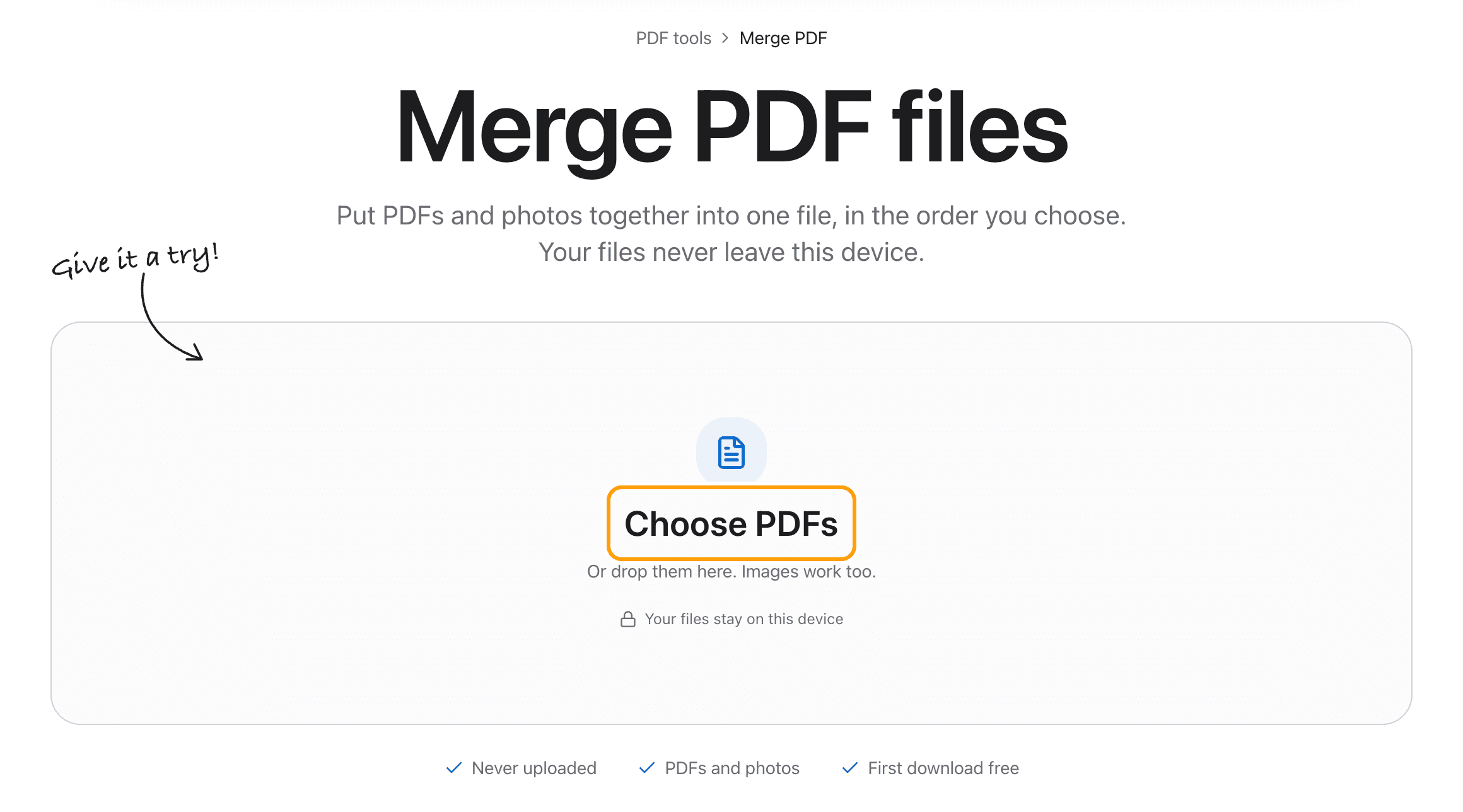
Choose PDFs
Or drop them here. Images work too.From your files, downloads, or wherever it landed.
Your files stay on this device
- Never uploaded
- PDFs and photos
- First download free
How to merge PDF files
Four steps, and the order is always on screen before you save.
Step 1
Choose your files
Click Choose PDFs and pick them all at once, or drop them anywhere on this page.
Photos work too. A picture of a receipt becomes a page of its own.
Step 2
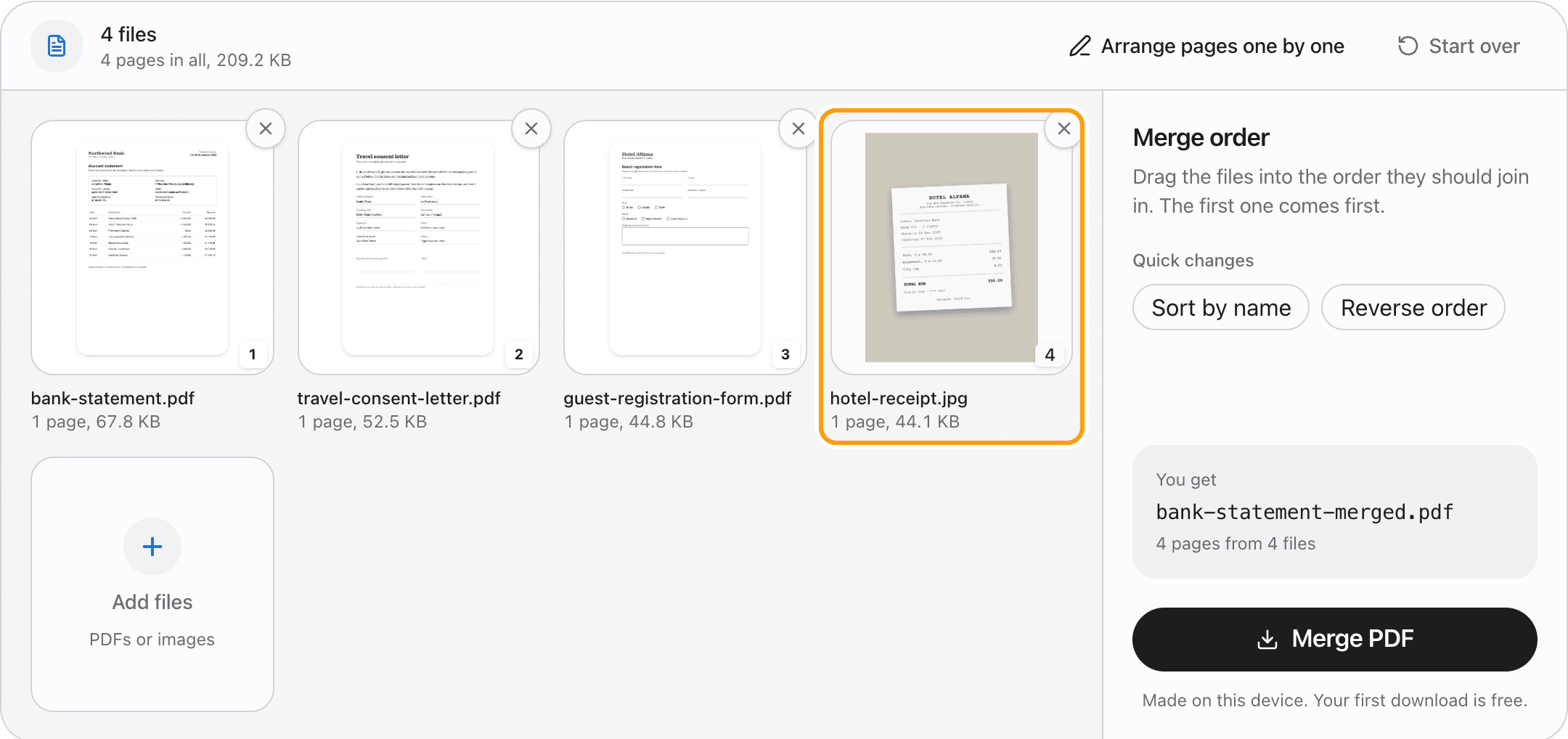
Drag the files into order
Each file shows its first page, its name and how many pages it has. Drag a card to move that whole file.
Here, the hotel receipt was picked first but belongs last, so it goes to the end.
Step 3
Arrange single pages if you need to
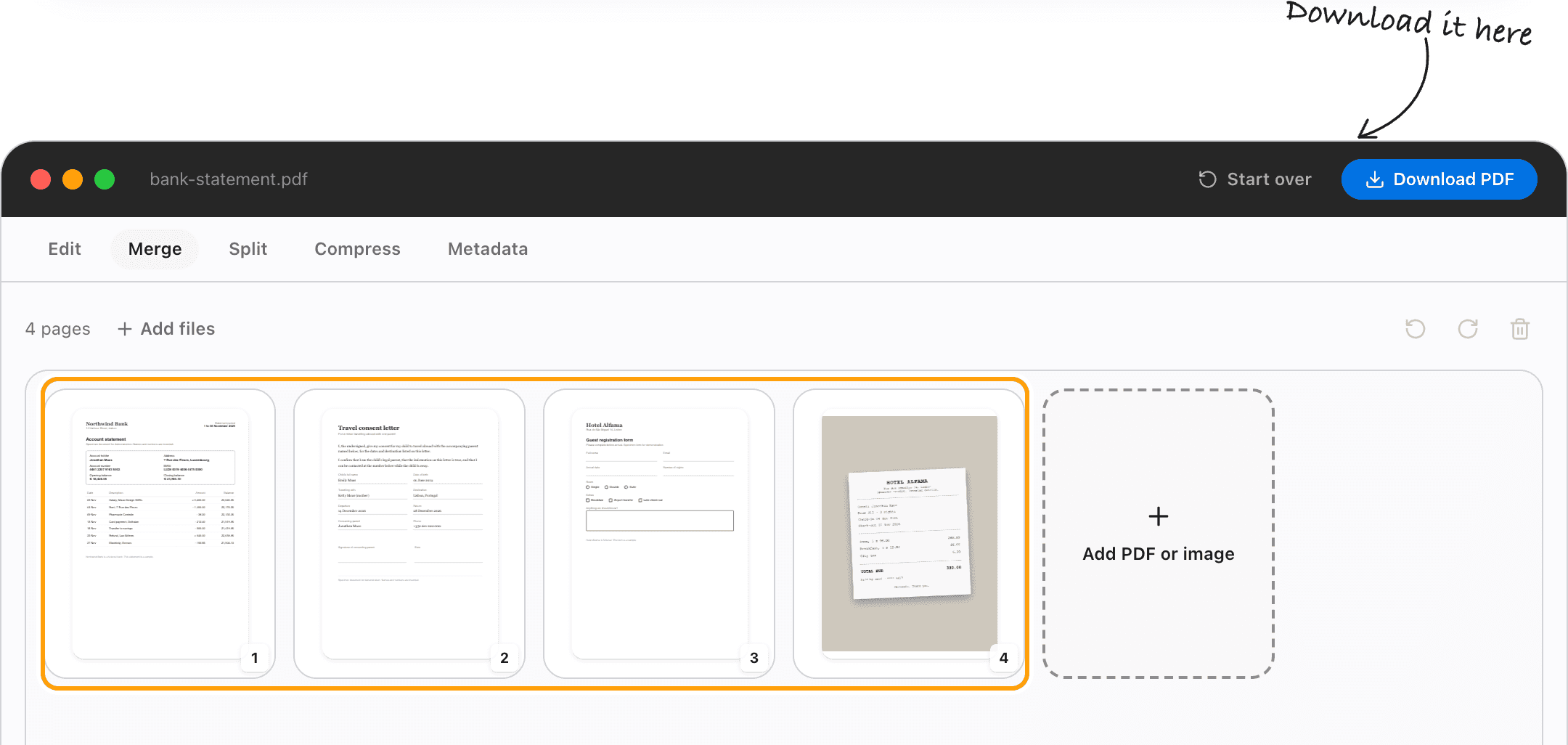
To slot one page between two others, click Arrange pages one by one. The merged document opens with every page in a grid.
Drag pages across what used to be separate files, turn them, or remove the ones you do not need.
Step 4
Merge and save
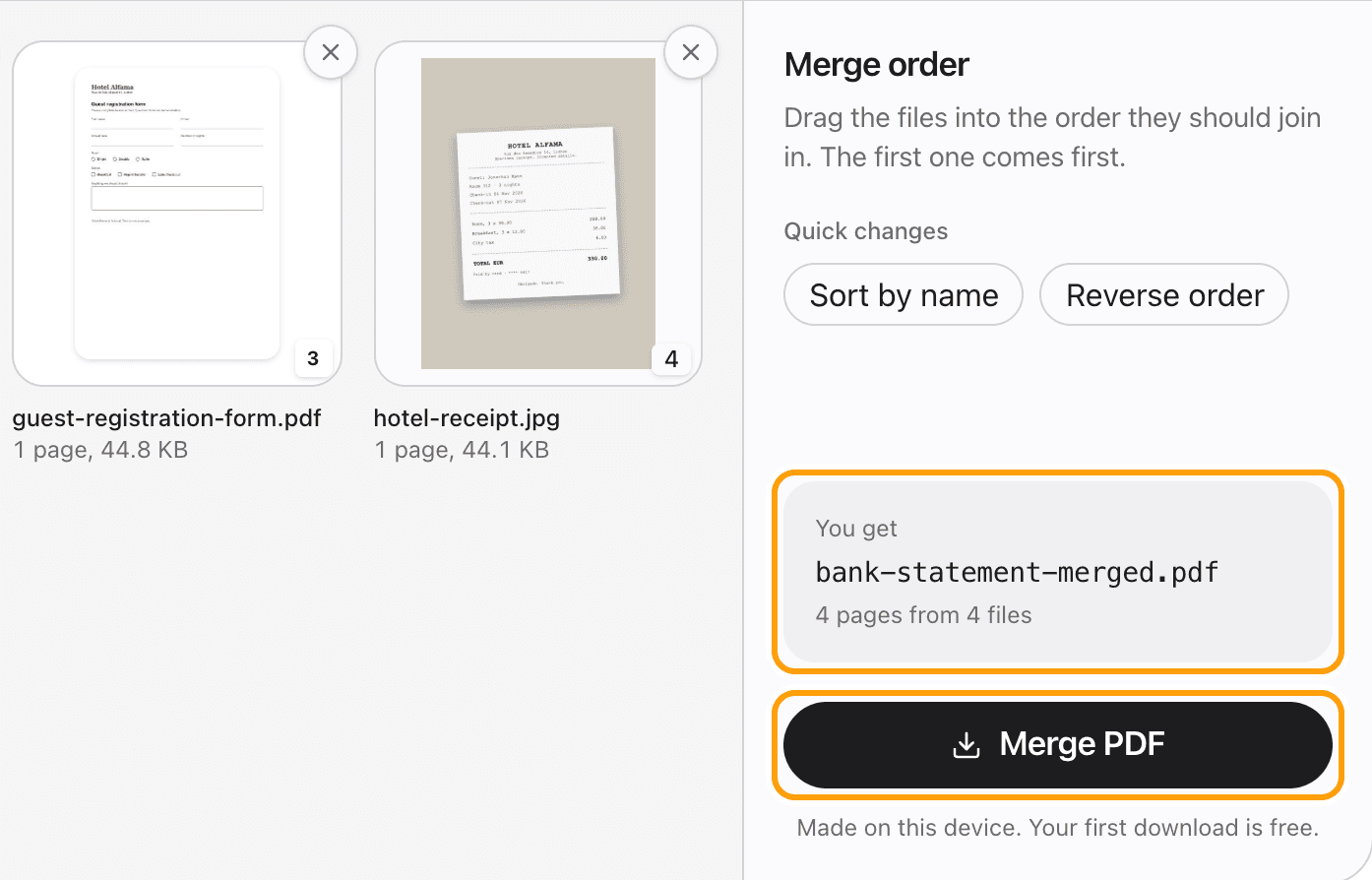
Click Merge PDF and one file saves to your device, named after the first one.
Pages are copied as they are, so text stays sharp and selectable and nothing is recompressed.
Ways to merge
Combine PDFs and photos
Add JPG, PNG, WebP or AVIF images alongside PDFs, and HEIC in Safari. Each image becomes a page the same size as the PDF pages around it.
Sort files by name
Sort by name puts scan_1, scan_2 ... scan_10 in the order a person would, not the order a computer would.
Reverse the order
One click flips the list, for a stack that was picked newest first.
Mix pages from different files
Arrange pages one by one opens the merged document in the page grid, where any page can go anywhere.
Merge on an iPhone or iPad
Pick several files from the Files app at once. Press and hold a card for a moment, then drag it.
Add a file you forgot
The Add files card stays at the end of the list, and dropping more files on the page adds them there too.
Questions
How do I merge PDF files without uploading them?
Choose your PDFs above, drag them into order, and click Merge PDF. It happens in your browser, on your device. The files are never sent anywhere.
Is it free?
Your first download is free, with no account and no watermark. After that, downloading needs Pro, which is a one-time purchase.
Can I combine a PDF and a photo?
Yes. Add the image with the PDFs and it becomes a page in the merged file, sized to match the pages around it.
How many files can I merge?
As many as you like, up to about 500 MB in total. Up to about 80 MB it is instant. Past that it slows down, because the whole document is put together in this tab's memory.
Is the merged PDF still searchable?
Yes. Pages are copied as they are, so text stays real text. Pages that came from photos are pictures, as they were before.
Will my bookmarks be kept?
No. Pages, text, images and links come through, but each file's bookmark list does not.
What if one of my PDFs has a password?
Its card says so, and it has to come out of the list before you can merge. Open it in the PDF editor with its password first.
Does it work on a Mac, iPhone or Windows?
Yes. It runs in any modern browser. On a touch screen, press and hold a card before you drag it.
Ready to put your files together?
Choose PDFsThe same PDF editor, on your Mac
Edit, sign, merge and compress PDFs offline, in their own window, and convert images, video, audio and documents too. Everything stays on your Mac.