
Step by step
How to edit text in a PDF
Open the file below, click the line you want to change, type the correction and download it. Your PDF stays on this device, and the words you replace are removed from the file rather than covered over.
Choose a PDF
Or drop one here.From your files, downloads, or wherever it landed.
Your file stays on this device
Edit PDF text in three steps
Shown in the real editor. Everything runs in your browser and the file never reaches a server.
Step 1
Open the PDF
Drop the file into the editor above, or click Choose a PDF. It opens in this tab and is never sent to a server.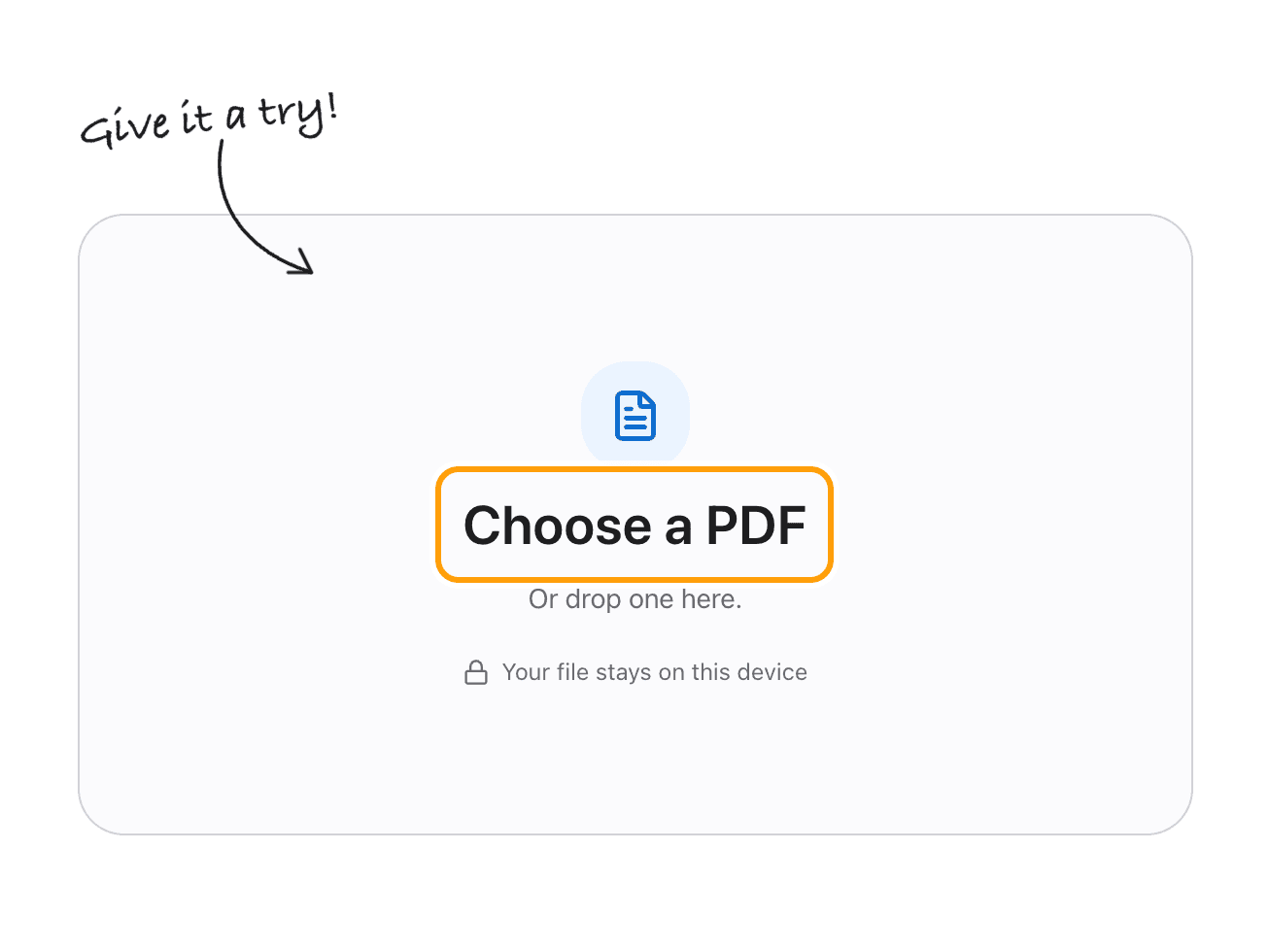
Step 2
Click the line and retype it
The line opens where it sits, already matched to the original size, colour and font. Type the correction and press Enter.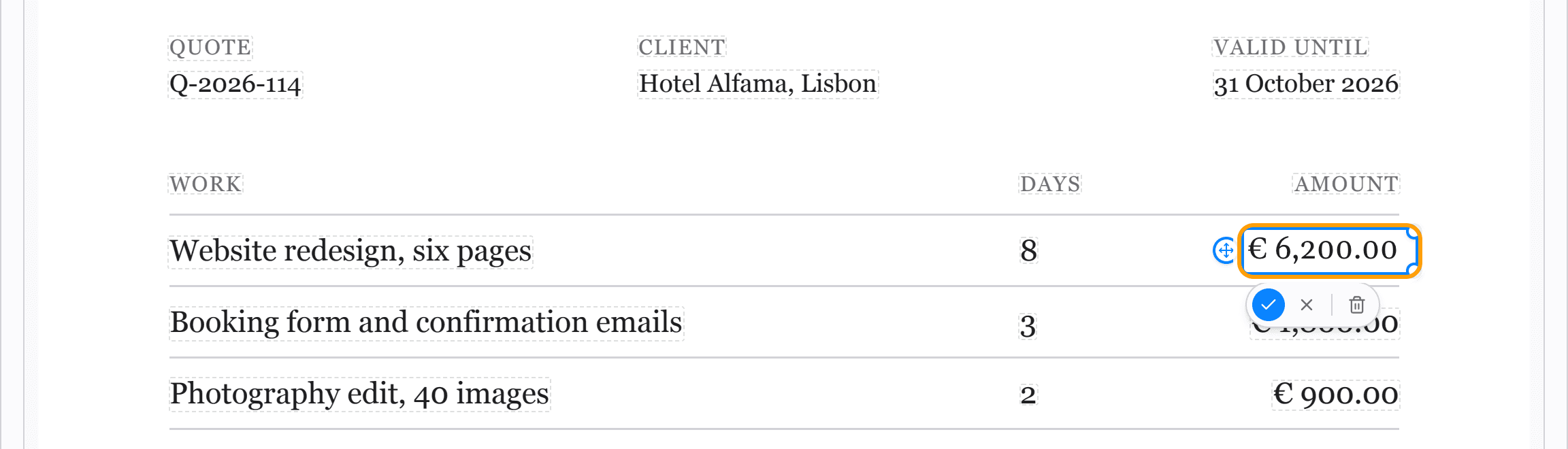
Step 3
Download the corrected file
The text stays selectable and searchable, and the old words are gone rather than hidden.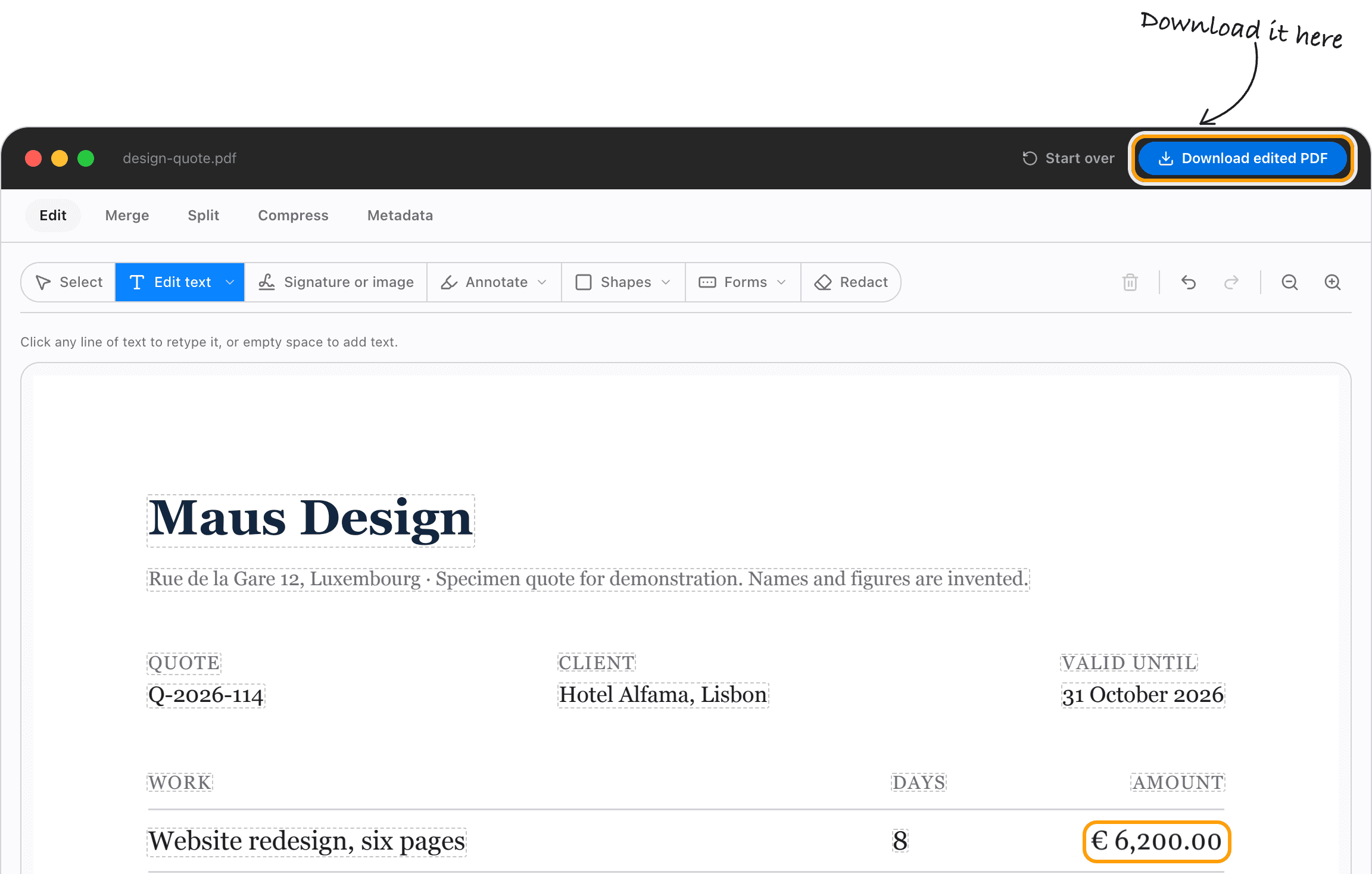
What actually happens
Your words are replaced, not covered up
Editing a PDF is awkward because a PDF was never meant to be edited. It describes how a page should look, so the text arrives as runs of glyphs pinned to coordinates rather than as sentences.
That is why most free tools do not change your words at all. They paint a filled box over the old ones and draw new ones on top, and the originals stay in the file for anyone who copies the page.
This editor removes the original text objects and rewrites the page around your replacement, so copy and paste cannot bring the old line back.
The things people usually need to change
If you can select the words in your PDF, the editor can almost always find them and let you retype them. Exported invoices, contracts, forms, statements and reports all qualify.
- Name
- Date
- Amount
- Address
- Phone number
- Invoice number
- Typo
- Reference code
When it will not open
Some lines stay locked, deliberately
A line stays locked when retyping it would damage the page rather than fix it. Rotated and vertical text is one case: writing a horizontal replacement through it would run your correction across the page sideways.
Text that has been squeezed horizontally to fit is another, because a retyped line cannot reproduce the squeeze. Occasionally one object in the file paints several lines at once, and removing it for one line would take the others with it.
Scans are the common one. A scanned page is a photograph of text, so there is nothing to click. Those need OCR before their words exist as words.
No subscription
Editing a PDF without Acrobat, Preview or Word
Acrobat is a subscription, and most people who need to fix a date do not need a subscription. Preview on a Mac can annotate and sign but cannot rewrite a line that is already there. Word will open a PDF, but it rebuilds the layout as it converts and often moves everything.
Editing in the browser avoids all three. Nothing installs, nothing uploads, and the layout is left alone because only the line you touched is rewritten.
Fix the line and get the file back
Editing and previewing are free with no account. The first corrected download is free too, then Pro is a one time payment with a 14 day money back guarantee.
- No account to try it
- Nothing uploaded
- One payment, not a subscription
Questions
Common questions
How do I edit text in a PDF?
Open the PDF in the editor above, click the line you want to change, type the replacement and press Enter, then download the file. The original text objects are removed and yours are written in their place, so the change is in the document rather than drawn over it.
Can I edit a PDF without Acrobat?
Yes. This editor runs in your browser with nothing to install and no subscription. The first corrected download is free.
Why can I select the text in my PDF but not edit it?
Selecting only needs the reader to know where the glyphs are. Editing needs the file rewritten, which means removing the original text objects and embedding a font for the replacement. Most viewers can do the first and not the second.
Will the font change when I edit the line?
The letter widths will match, so the line takes the same space and nothing reflows. Fonts inside a PDF are usually subsets holding only the letters already used, so the exact original cannot be retyped in. The editor substitutes a metric compatible open font instead: Arimo for Arial, Tinos for Times New Roman, Carlito for Calibri.
Does my file get uploaded?
No. The engine that opens and rewrites the PDF is code running in your browser tab. There is no conversion server to upload to, which is why editing keeps working if your connection drops.
Can I edit a scanned PDF?
Not directly, because a scan has no text in it, only pixels. Convert it to text first and the pages are read as images automatically. Long scans are better handled by the Mac app, which has no page cap.
The same editor, wherever you are
If you want the long version of why this is harder than it looks, I wrote up what is actually inside a PDF, with the raw file and the drawing instructions it stores instead of sentences.