
Sign a PDF
Draw your signature or type it, click where it goes, and download the signed PDF. Your document never leaves this device.
Choose a PDF
Or drop one here.From your files, downloads, or wherever it landed.
Your file stays on this device
- Never uploaded
- Signature not stored
- First download free
How to sign a PDF
Four steps, and nothing leaves your browser.
Step 1
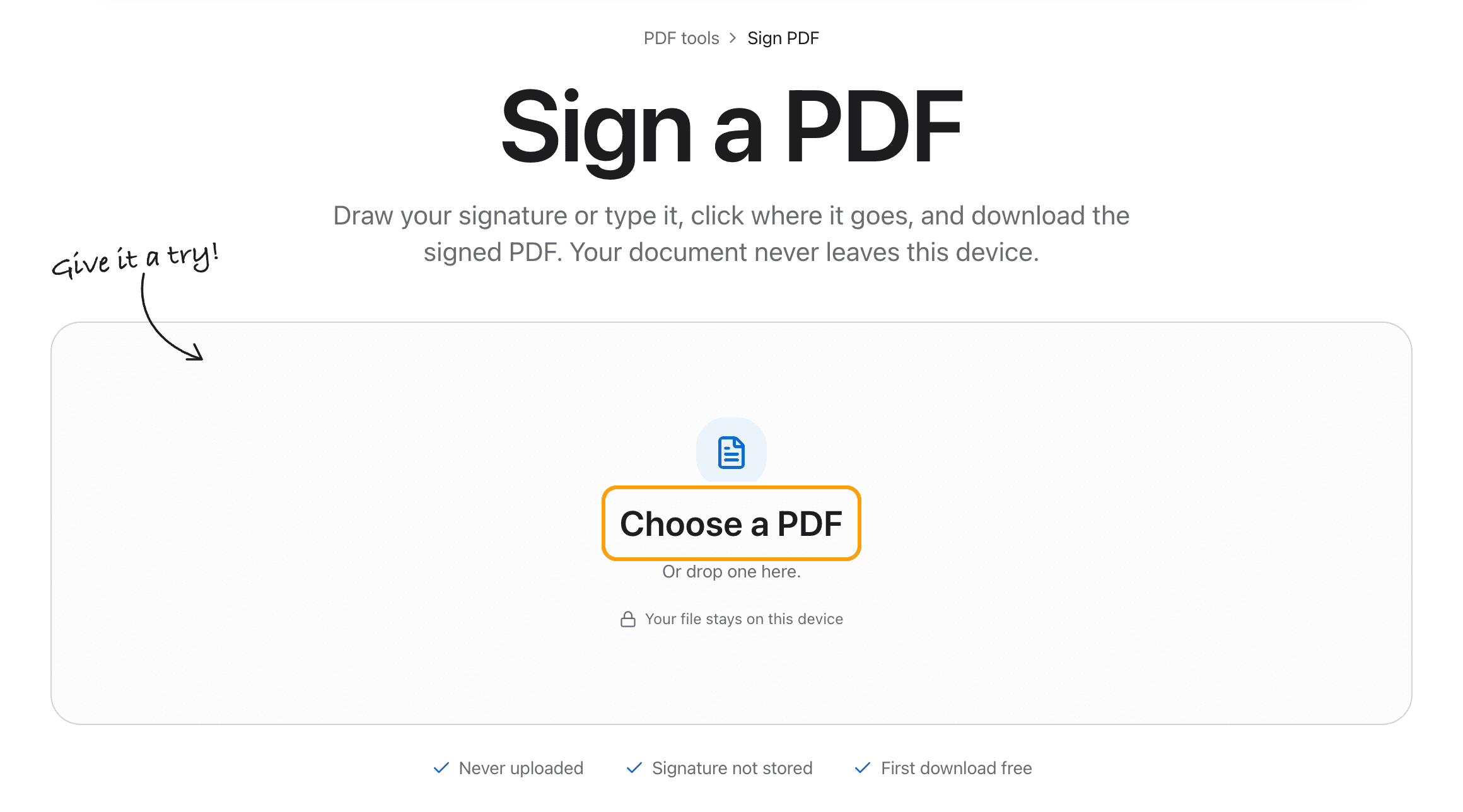
Choose your PDF
Click Choose a PDF, or drop the file anywhere on this page.
It opens in the editor right here, with the signature maker ready. Nothing is sent to a server.
Step 2
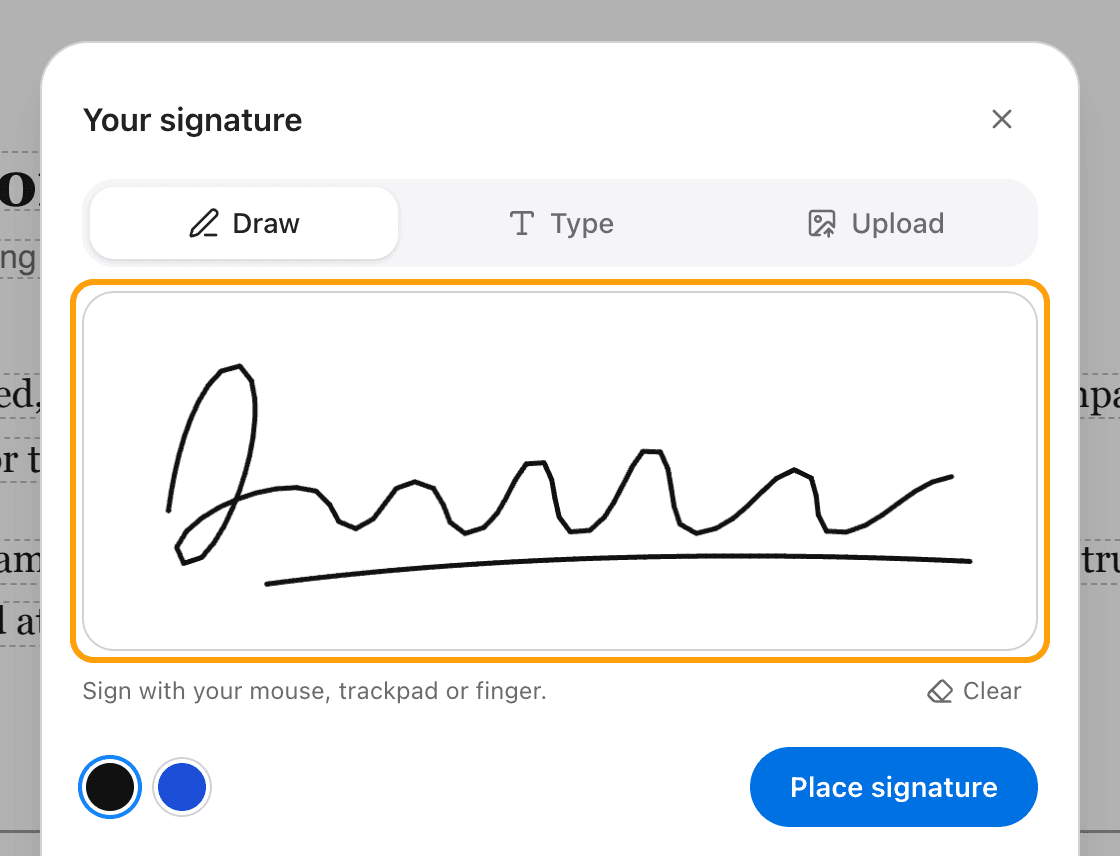
Draw or type your signature
Draw it with a mouse, a trackpad or a finger. Or switch to Type, write your name, and pick one of three handwriting styles.
Black or blue ink. Already have a picture of your signature? Upload it instead.
Step 3
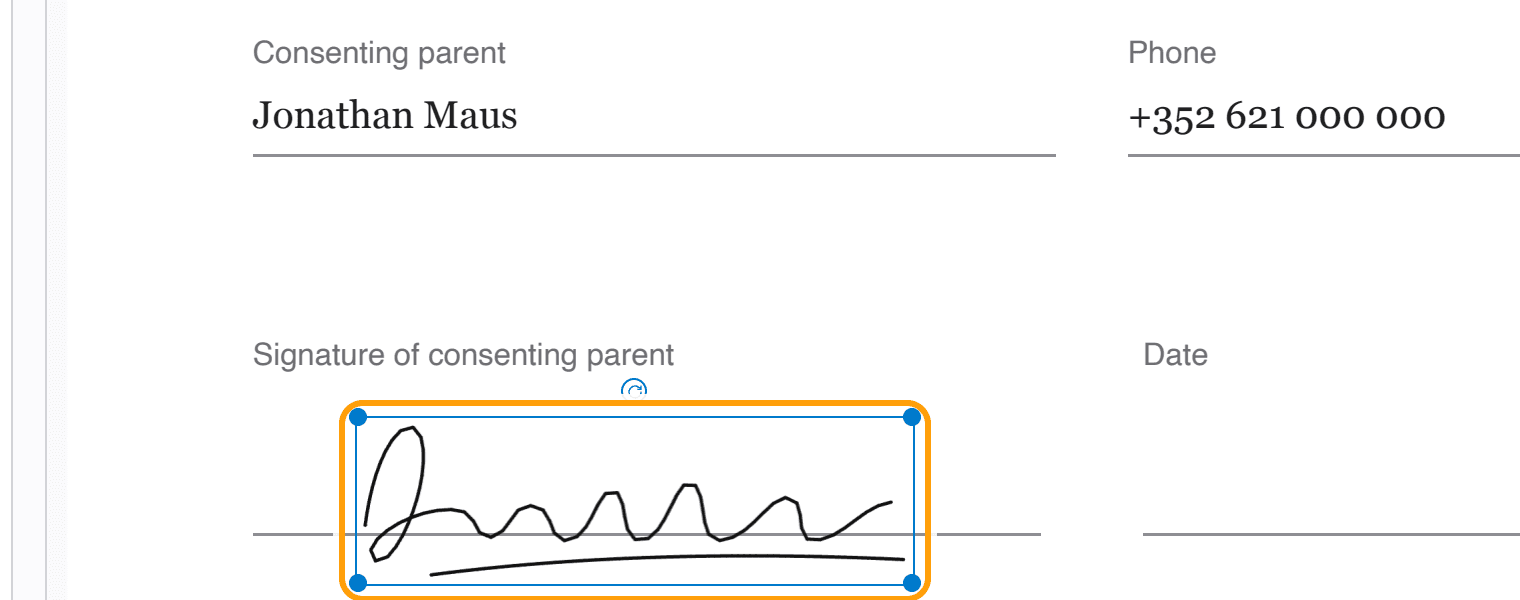
Click where it goes
Click Place signature, then click the signature line. Drag it to move it, pull a corner to make it bigger or smaller.
Need it in more than one place, like initials on every page? Keep clicking.
Step 4
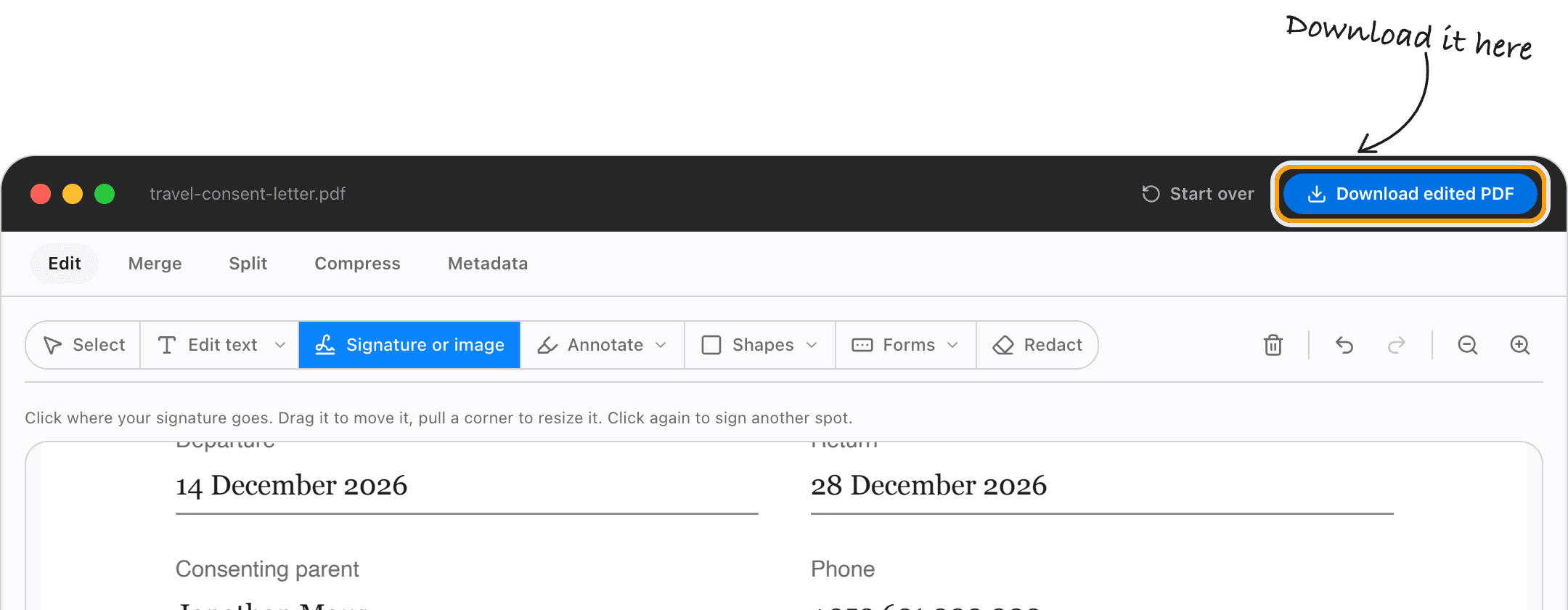
Download the signed PDF
Click Download. The signature becomes part of the page, so it shows the same in every reader and prints the way you see it.
The rest of the document is untouched: text stays selectable and nothing is recompressed.
Ways to sign
Draw your signature
Sign on the pad with a mouse, trackpad or finger. On a phone or iPad it feels like signing on paper.
Type your signature
Type your name and pick Flowing, Handwritten or Formal. It is drawn in a handwriting face your device already has.
Use a picture of your signature
Upload a photo or scan of your signature and place it the same way. PNGs with a clear background look best.
Initial every page
Once your initials are made, each click places another copy, so you can work down the pages one click at a time.
Fill in the rest of the form
The same editor types on the page, ticks boxes and adds the date, so the whole document is done in one place.
Sign on a Mac, iPhone or PC
It runs in Safari, Chrome, Edge or Firefox. Nothing to install and no account to make.
Questions
How do I sign a PDF without uploading it?
Choose your PDF above, draw or type your signature, click where it goes and download. It all happens in your browser, on your device. The document is never sent anywhere.
Is it free?
Your first download is free, with no account and no watermark. After that, downloading needs Pro, which is a one-time purchase.
Is my signature saved anywhere?
No. It stays in this browser tab while you work and is forgotten when you close the page. It is never uploaded or stored.
Is this a legally binding electronic signature?
It is a signature image, like signing on paper and scanning it, which many everyday forms and letters accept. It is not a certificate-based digital signature; if a contract asks for one, use a service that issues them.
Can I move or resize the signature after placing it?
Yes. Drag it to move it and pull a corner to resize it, any time before you download.
Can I sign on my phone?
Yes. Draw with your finger on the pad, then tap where the signature goes.
What if my PDF has a password?
The editor asks for it when the file opens. Type it once and sign as normal.
Ready to sign?
Choose a PDFThe same PDF editor, on your Mac
Edit, sign, merge and compress PDFs offline, in their own window, and convert images, video, audio and documents too. Everything stays on your Mac.